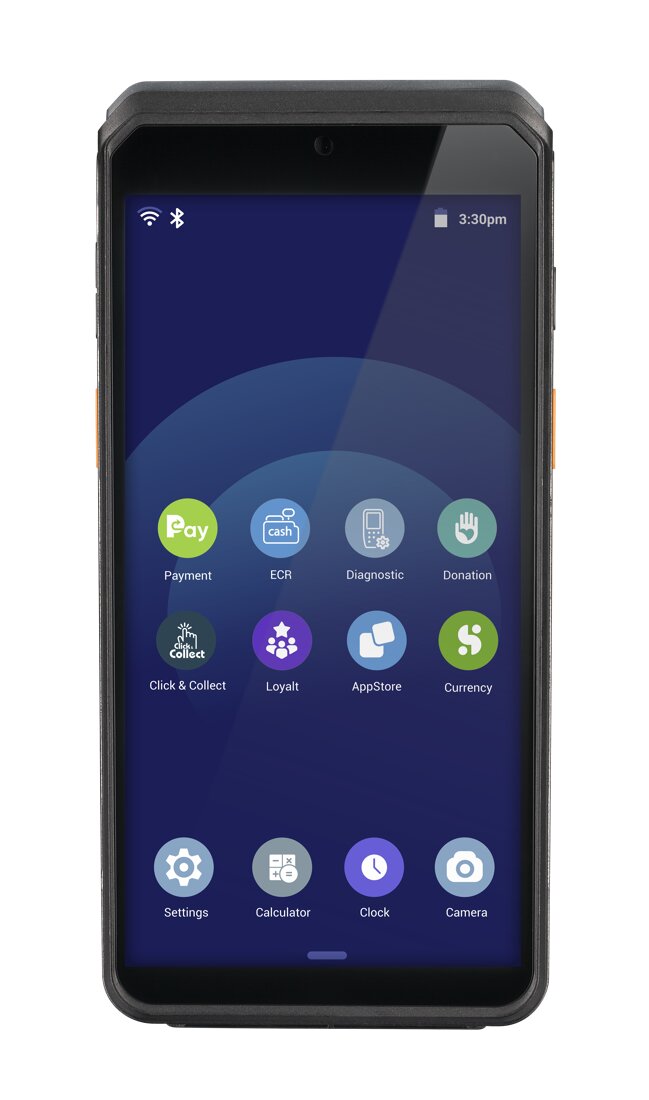
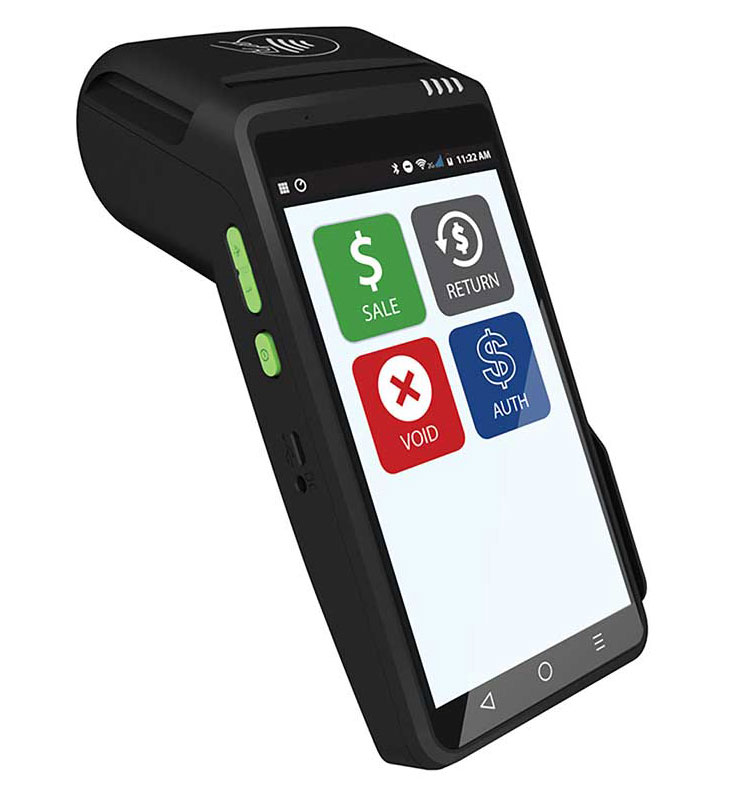
Both the Ingenico Axium EX8000 and the Dejavoo QD2 are solid choices — here’s how they stack up side by side, then a plain verdict. Either one is provided and set up at $0 to get started on a zero-cost program.
| IngenicoIngenico Axium EX8000 | DejavooDejavoo QD2 | |
|---|---|---|
| Type | Android smart terminal | Android smart terminal |
| Display | 6″ touchscreen | 5.5″ touchscreen (720×1280) |
| Operating system | Android 10 | Android |
| Payments | Tap, chip & swipe (NFC / EMV) | Tap, chip & swipe (NFC / EMV) |
| Scanner | 8MP camera (barcode) | 5MP camera (barcode / QR) |
| Battery | 4040mAh rechargeable | Rechargeable |
| Connectivity | Wi-Fi, 4G & Bluetooth | Wi-Fi, 4G & Bluetooth |
| Printer | — | Built-in thermal (58mm) |
| Cost | $0 up front · terms at your free review | $0 up front · terms at your free review |
Choose the Ingenico Axium EX8000 if you want a portable android smart terminal with a 6″ touchscreen, barcode-scanning camera, and 4g. Choose the Dejavoo QD2 if you want a sleek wireless android smart terminal with a 5.5″ touchscreen, built-in printer, and 4g. Not sure? I’ll tell you straight which fits your counter on a free review.
You can also open these two in the live compare tool or line them up against a third device.
Lowering what you pay to accept a card frees up money every month with no extra work and no new customers.
Tell me how you operate and I’ll point you to the exact setup — provided and configured at $0 up front on a zero-cost program. Book a free review or compare devices side by side.
Neither is universally better — it depends on your business. The Ingenico Axium EX8000 suits a portable android smart terminal with a 6″ touchscreen, barcode-scanning camera, and 4g; the Dejavoo QD2 suits a sleek wireless android smart terminal with a 5.5″ touchscreen, built-in printer, and 4g.
Both are provided at no up-front equipment cost; simple monthly terms are confirmed on your free review, and processing savings can help cover them.
Yes — both can run on a compliant dual-pricing or surcharge program.
Lowering what you pay to accept a card frees up money every month with no extra work and no new customers. The businesses that grow from there spend it on the three things that actually bring customers in: answering every call, a site that converts, and showing up on Google.
Free, no-obligation review — I’ll recommend the right equipment and show how your processing savings can cover it.
Prefer to talk now? Call or text (305) 215-6132