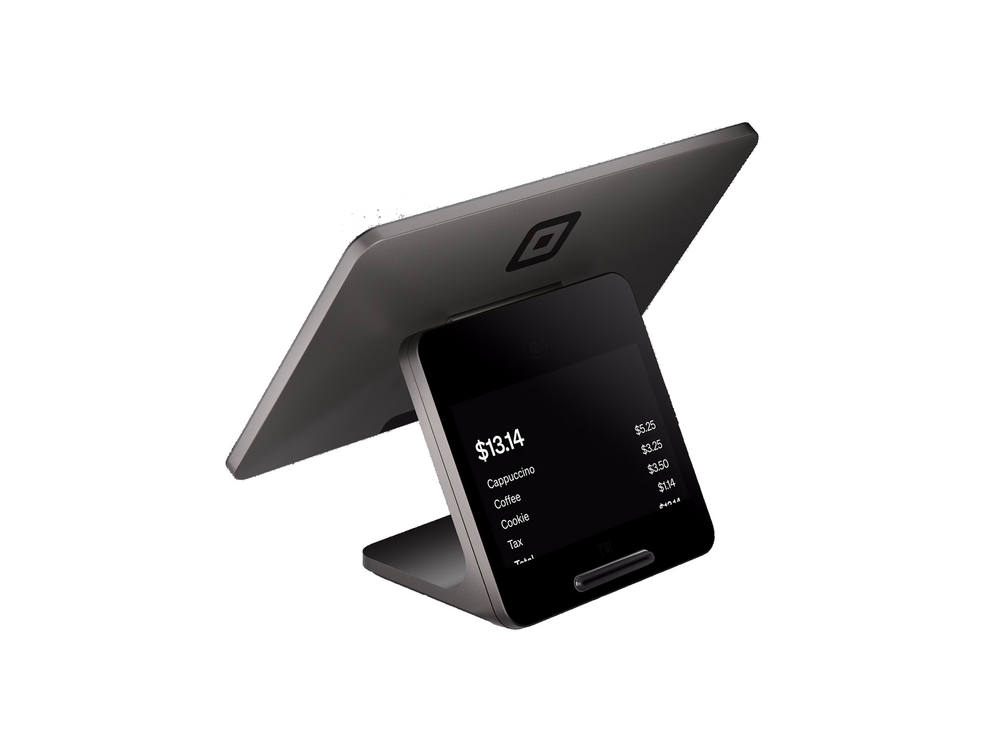
Square is famous for simple, beautiful hardware and a free POS app that just works. From a pocket reader to a dual-screen Register, everything syncs in one ecosystem with no surprises.
Square is best for newer businesses, cafes, retail, and anyone who wants a clean, easy setup. Whatever you choose, I provide and set it up at $0 up front on a zero-cost processing program — with training and 24/7 US-based support.
Square Register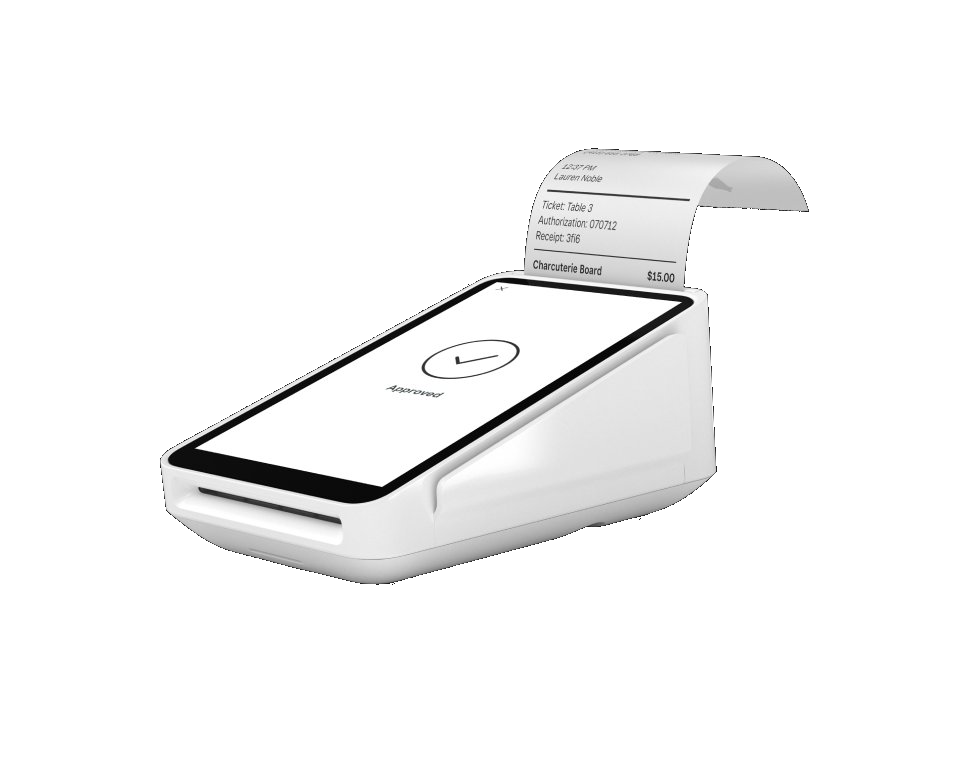 Square Terminal
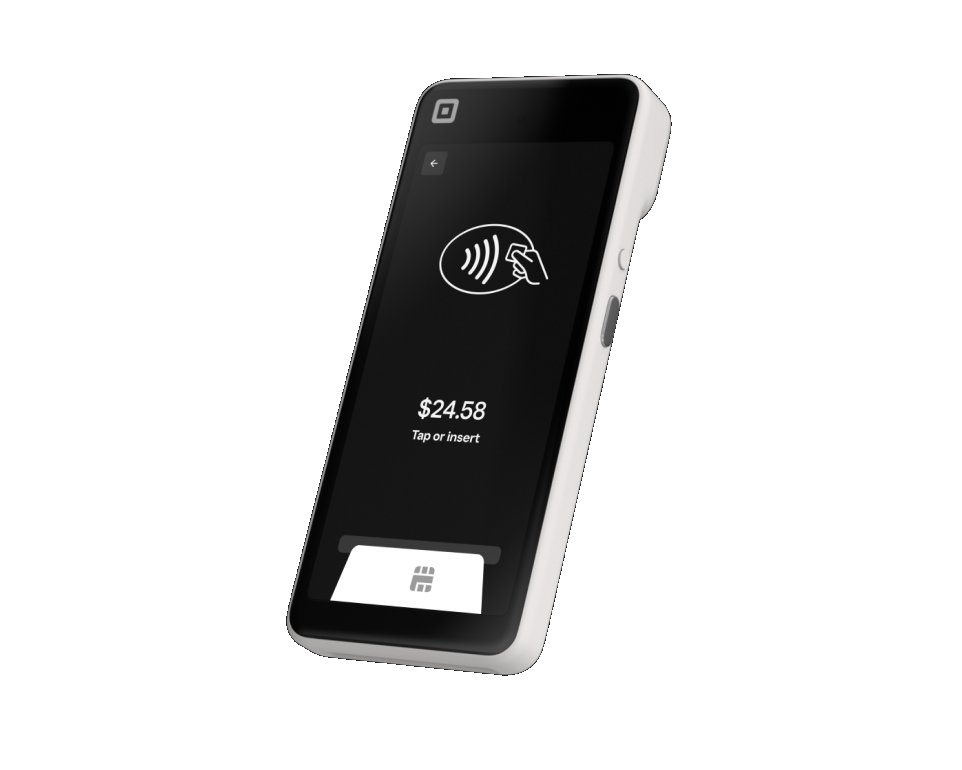 Square Handheld
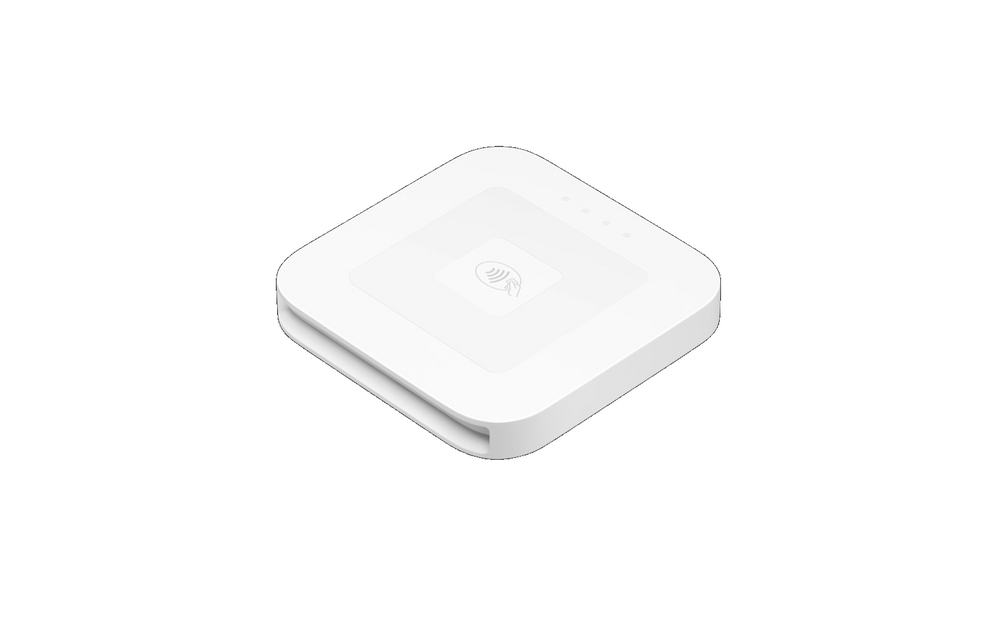 Square Reader (contactless)
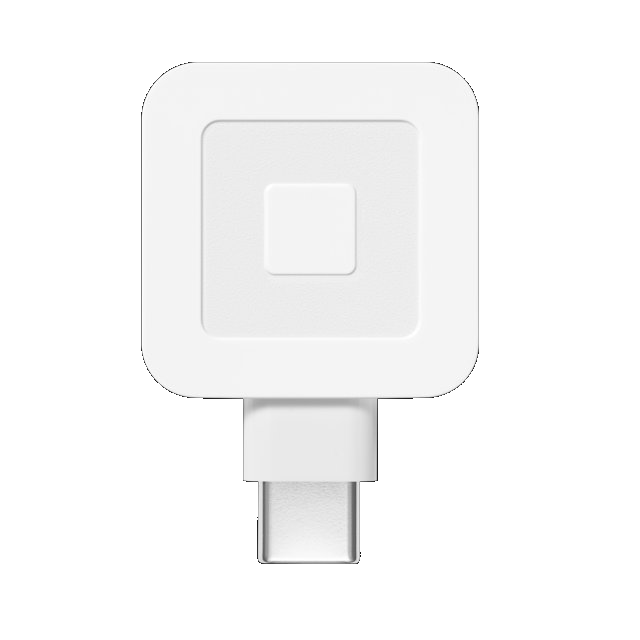 Square Reader (USB-C)
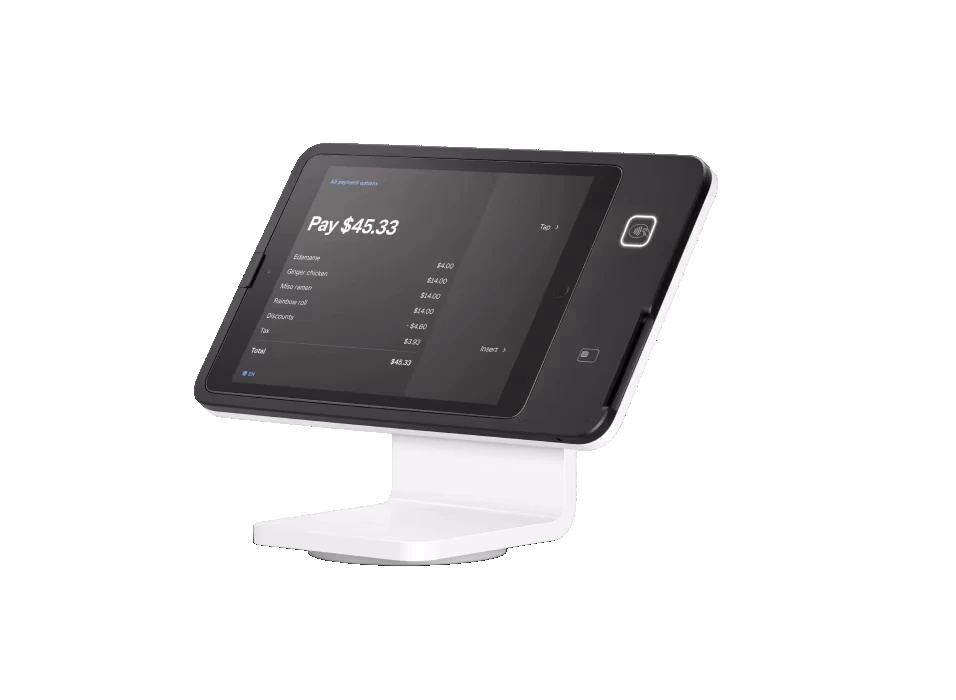 Square Stand
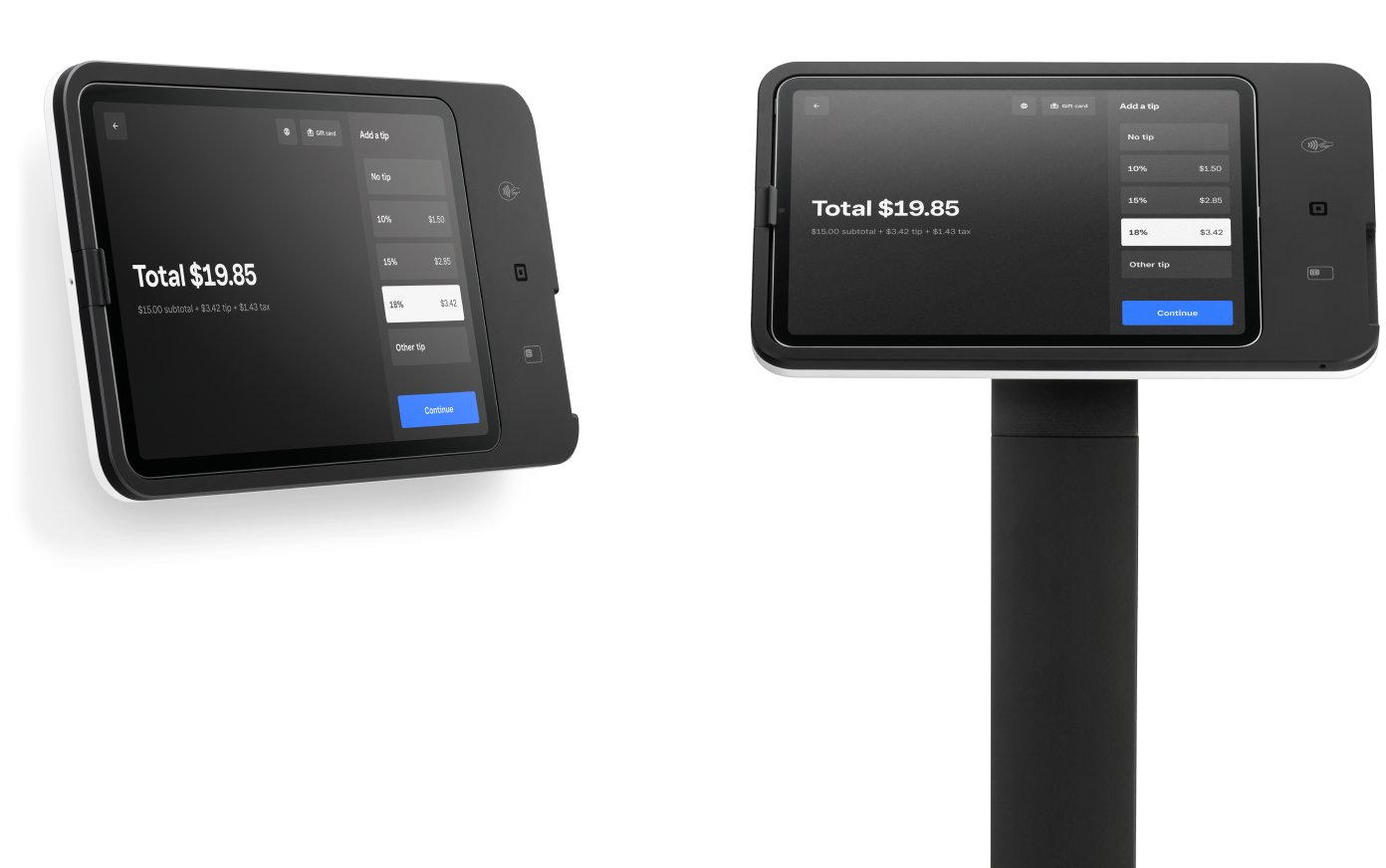 Square Kiosk
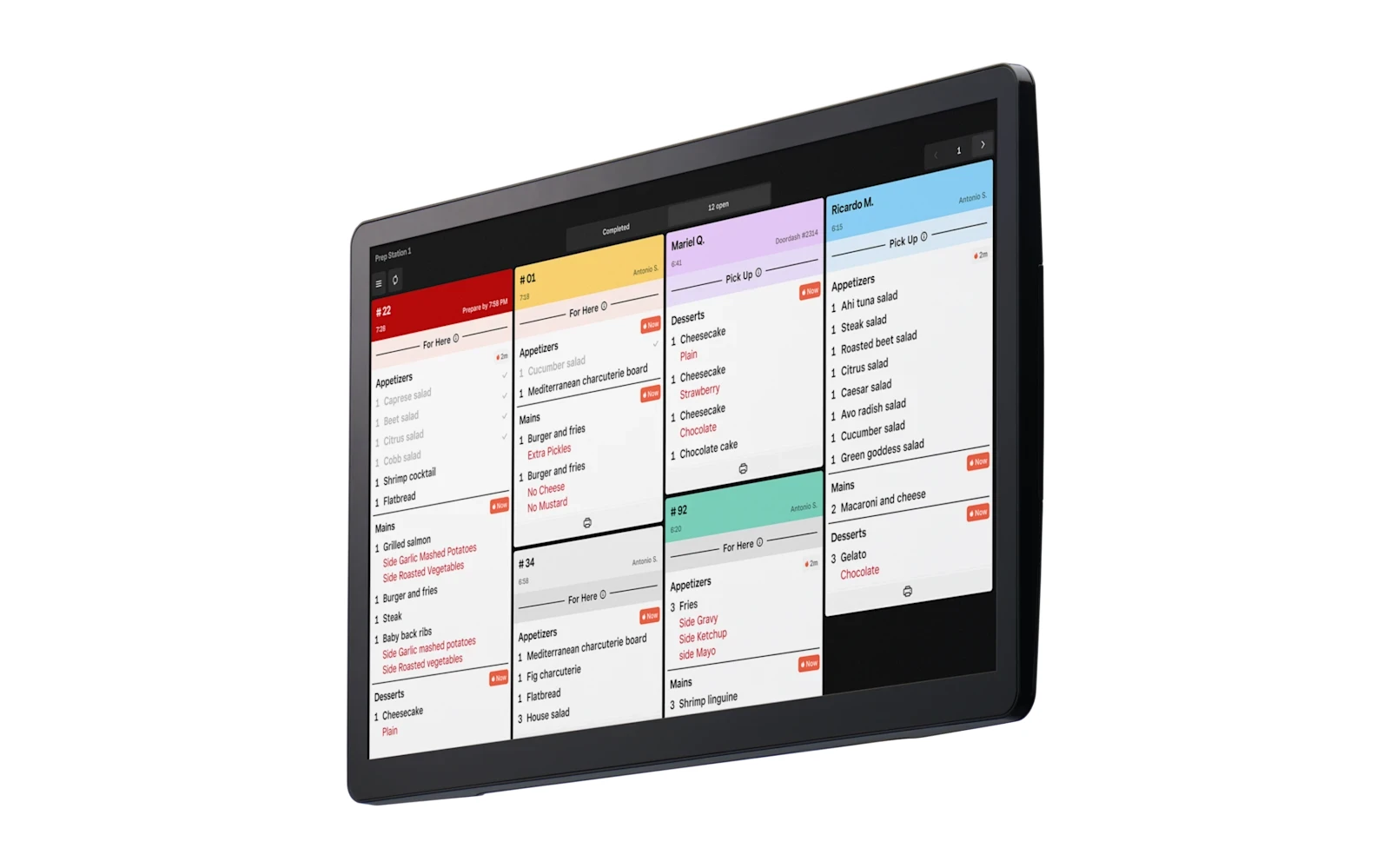 Square Kitchen Display System
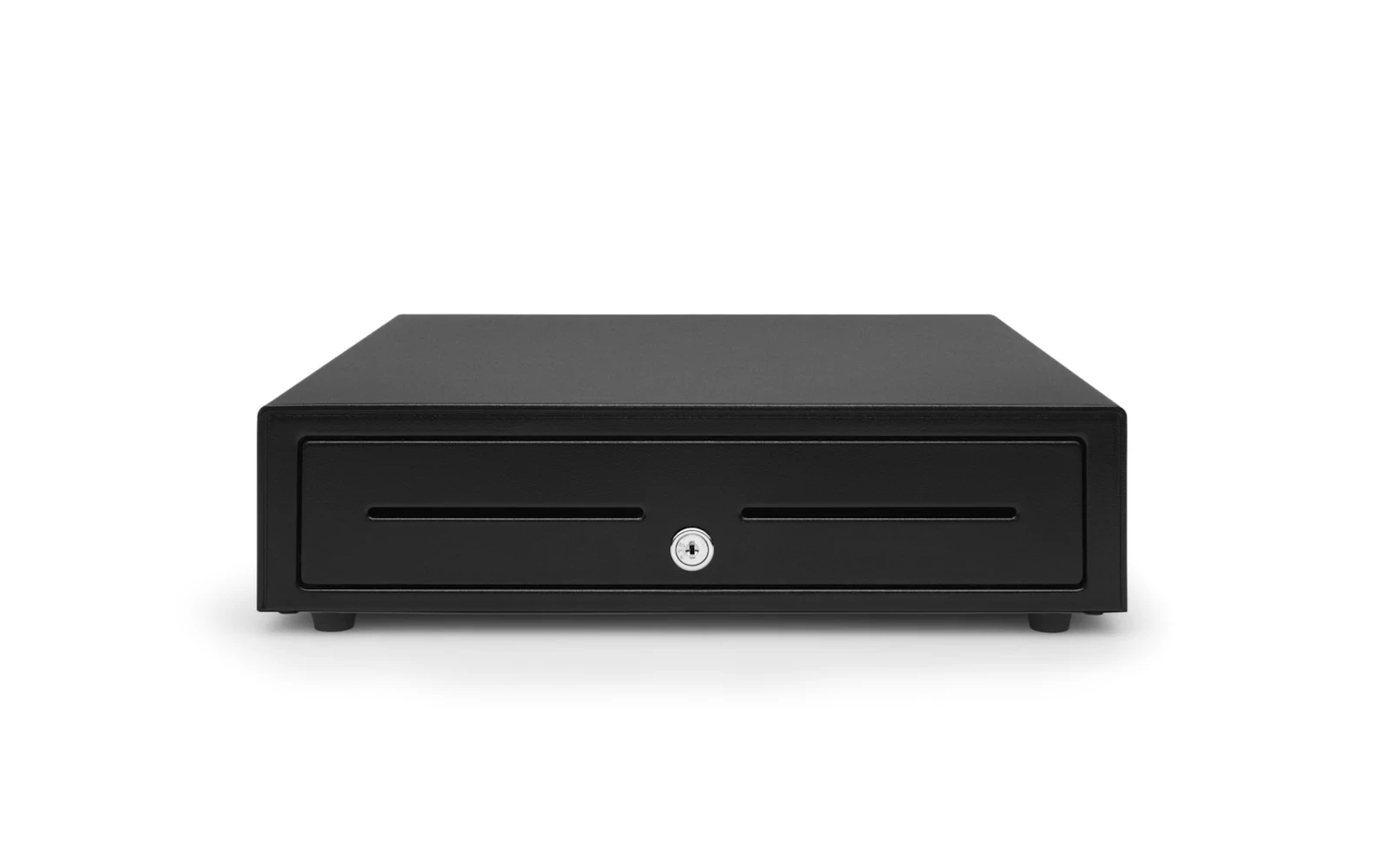 Square Cash Drawer (14×16)
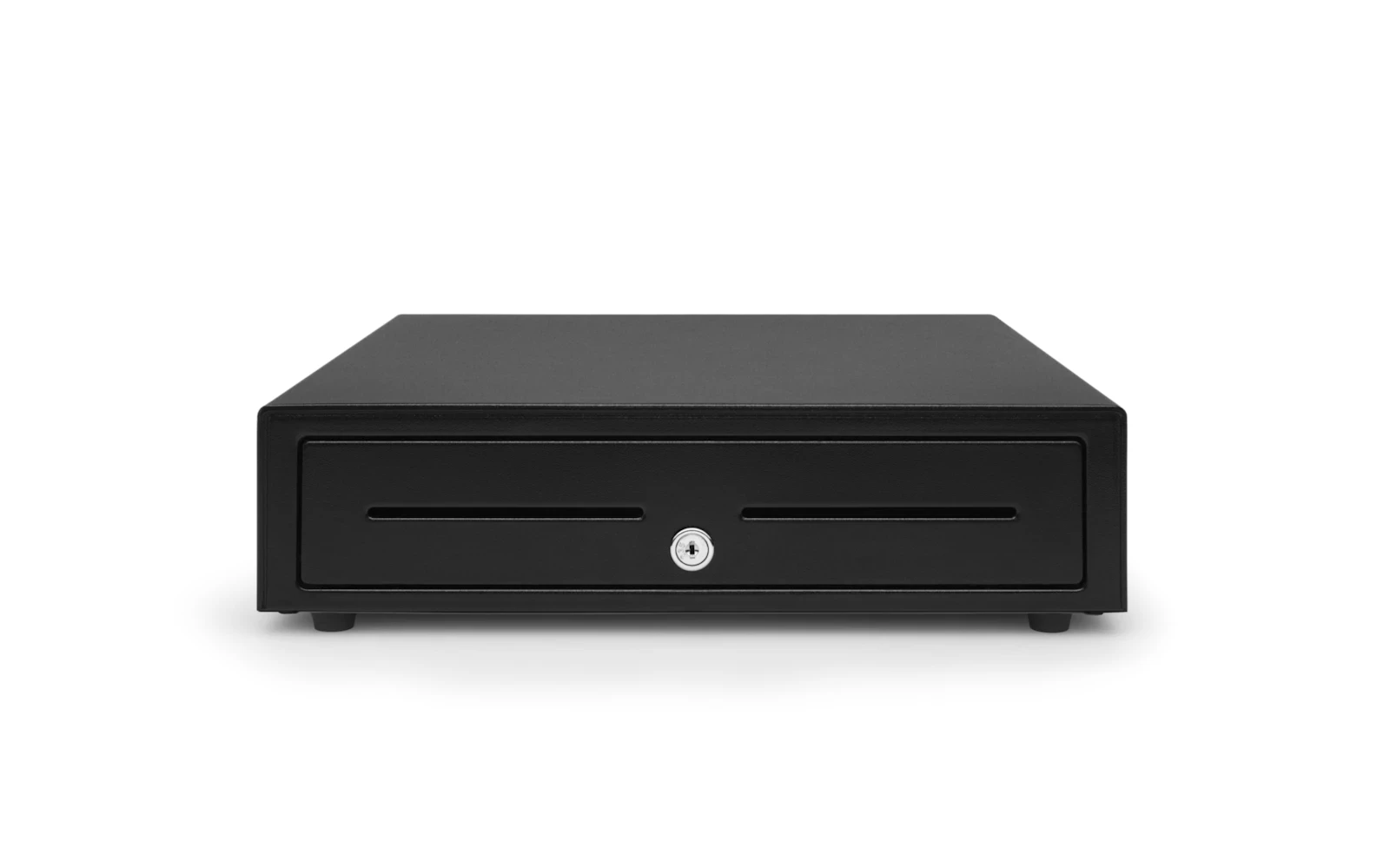 Square Cash Drawer (16×17, USB)
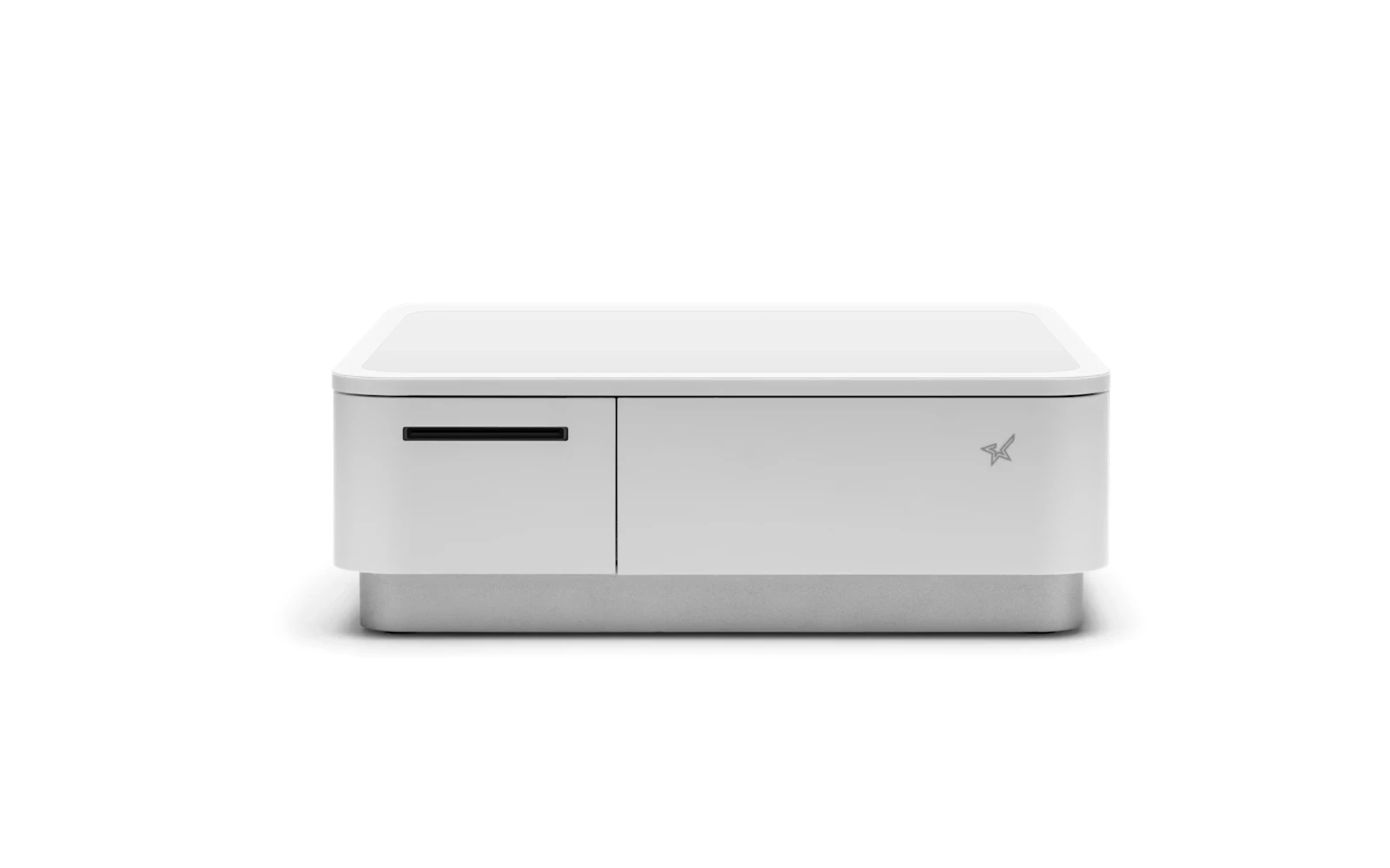 Receipt Printer & Cash Drawer Combo
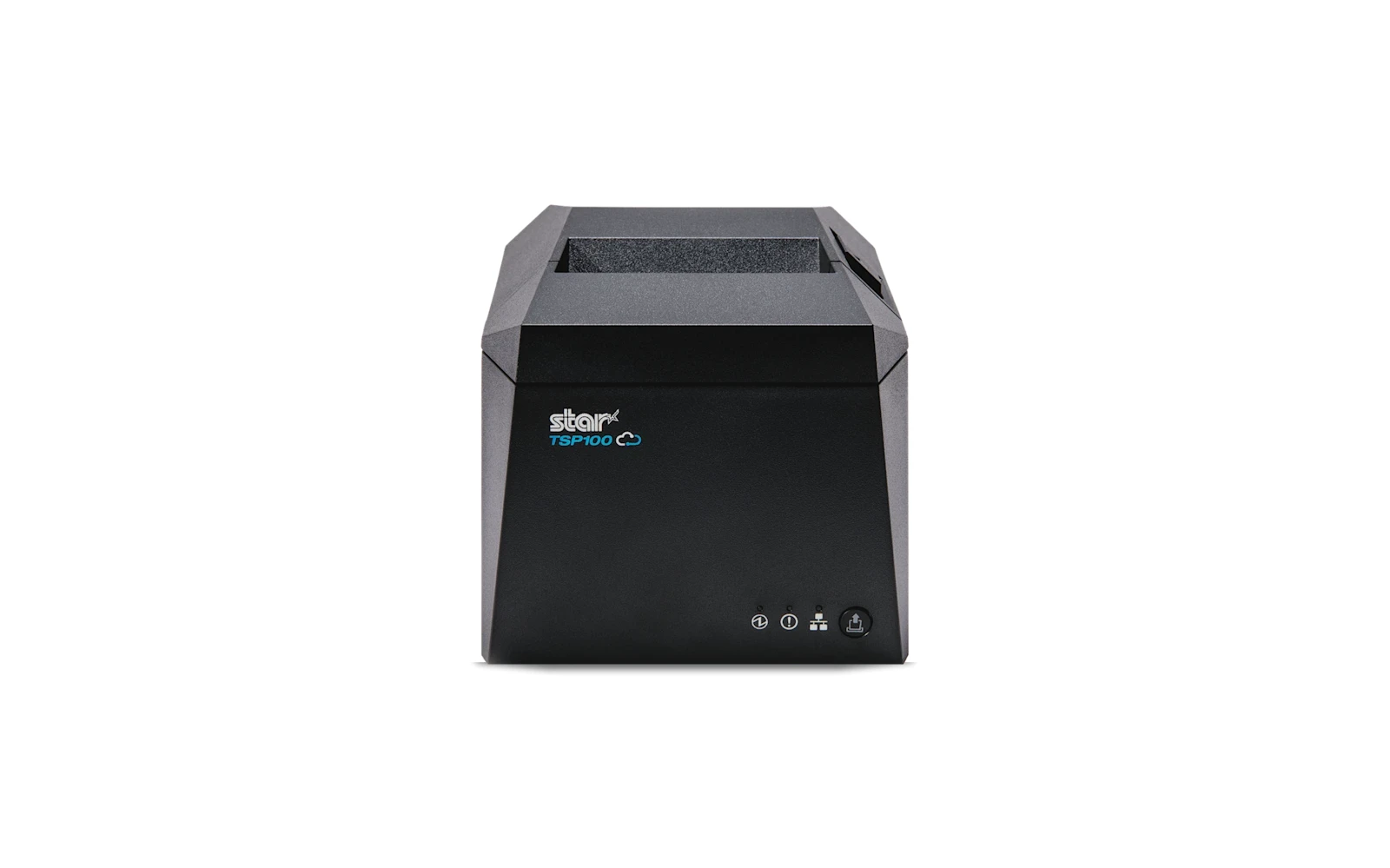 Receipt Printer
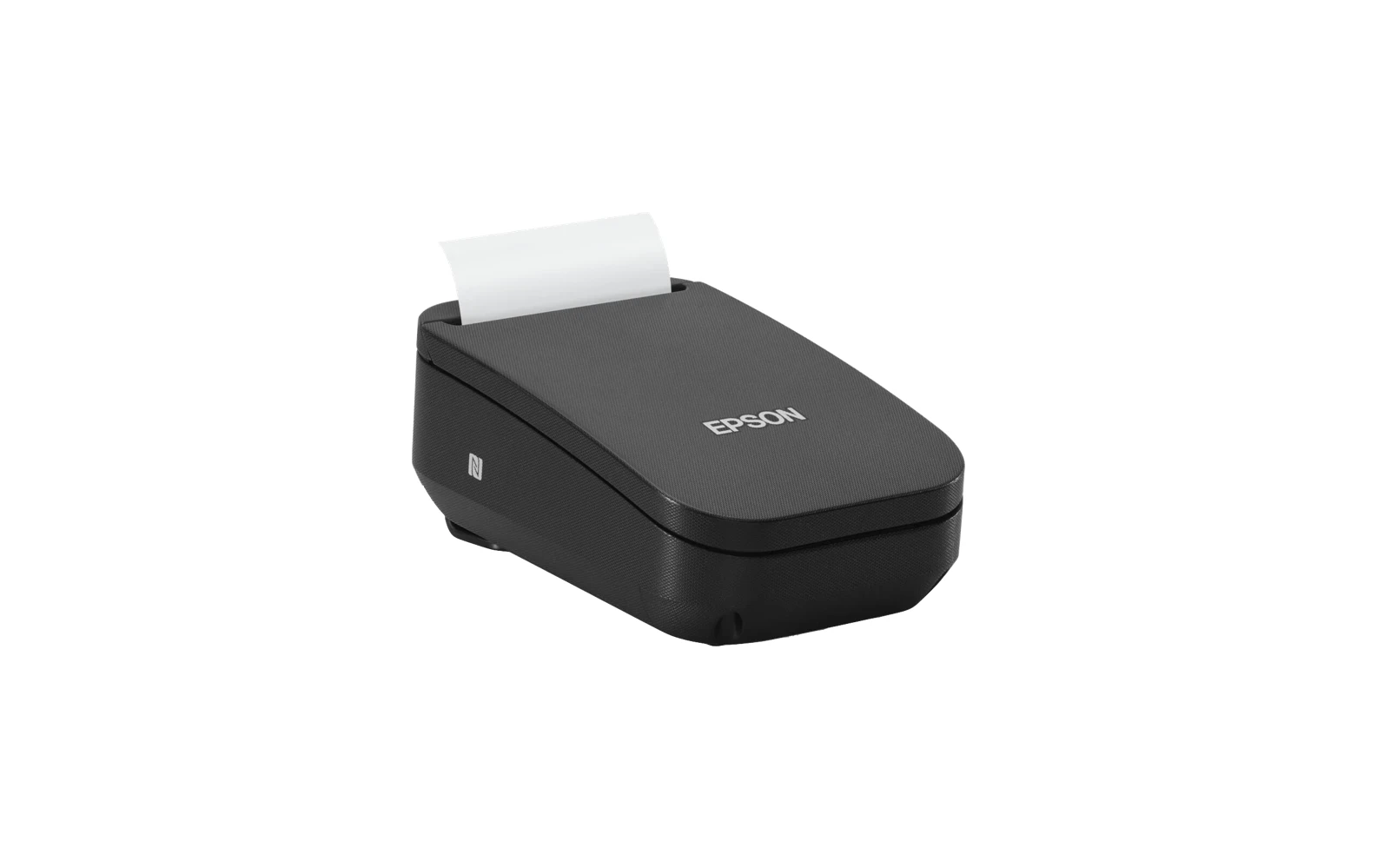 Portable Receipt Printer
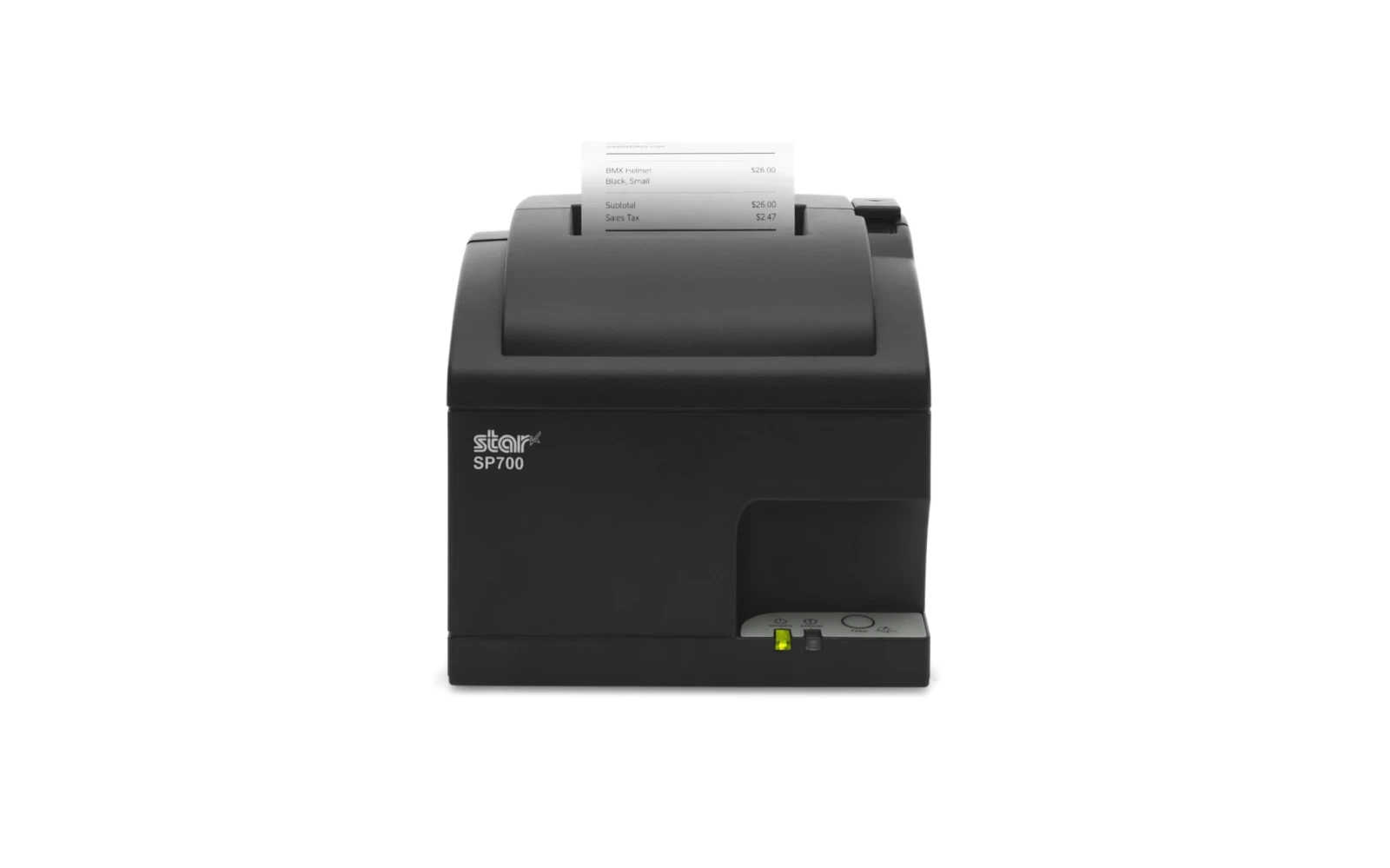 Kitchen Impact Printer
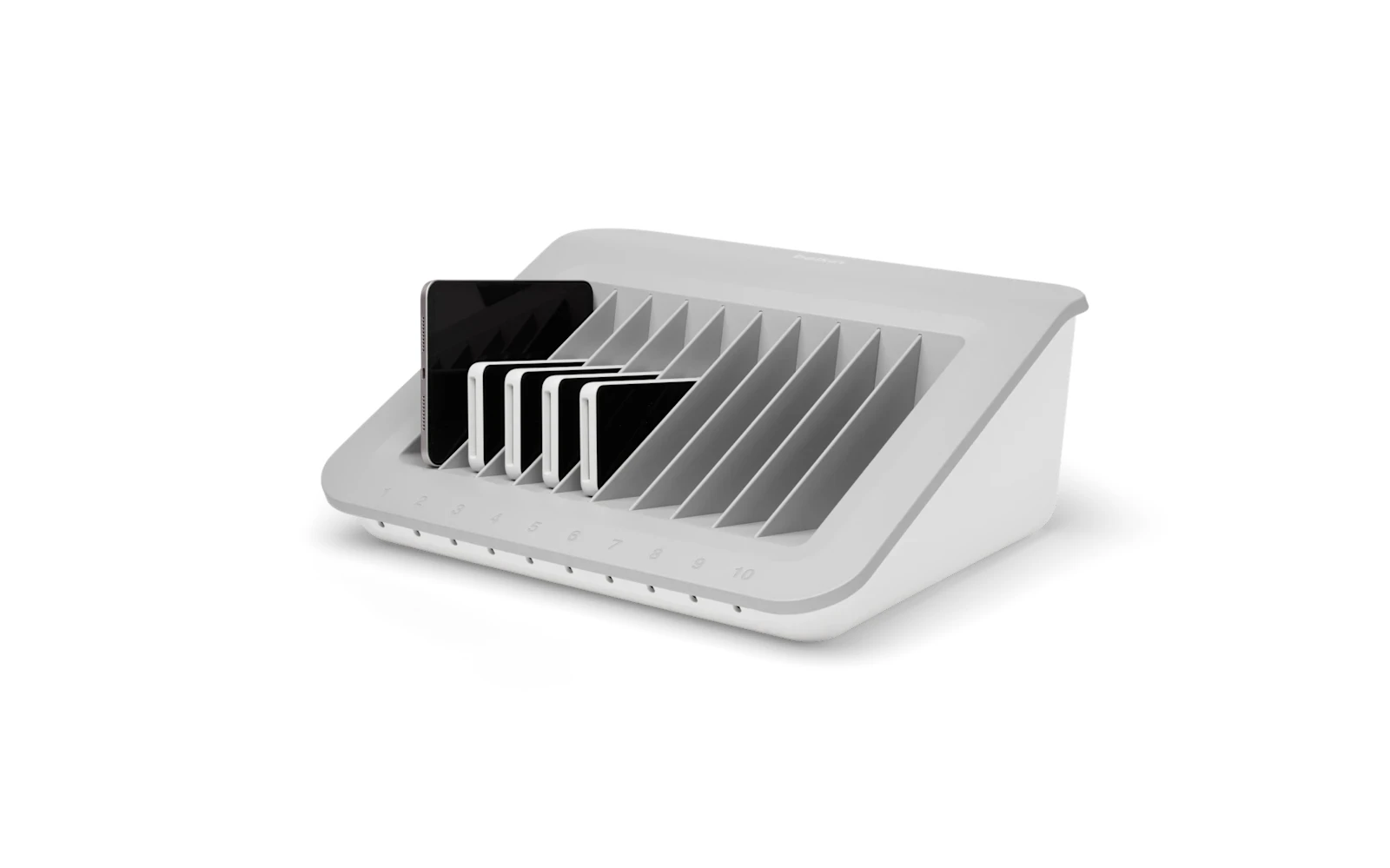 Store-and-Charge Station
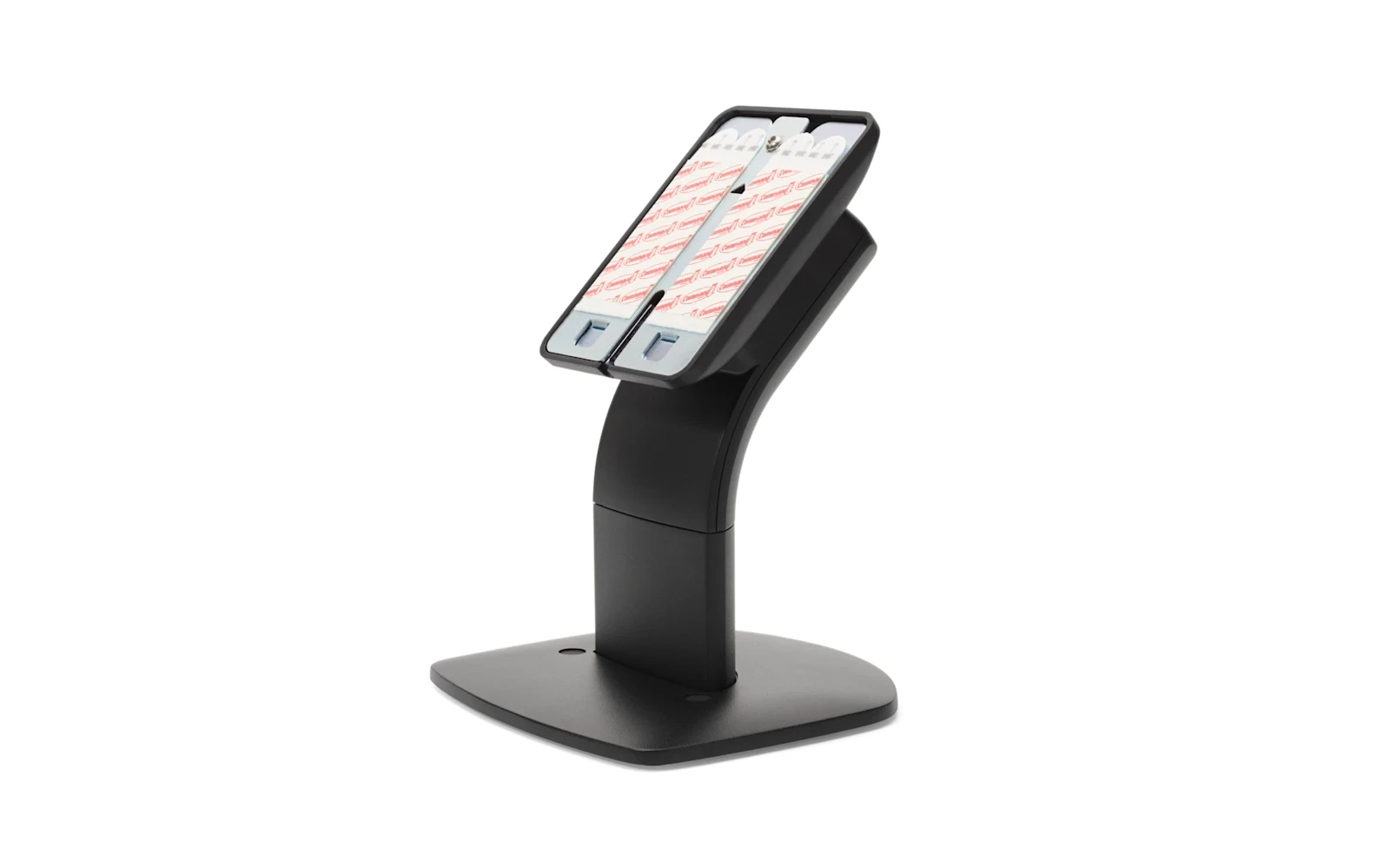 Countertop Customer-Display Mount
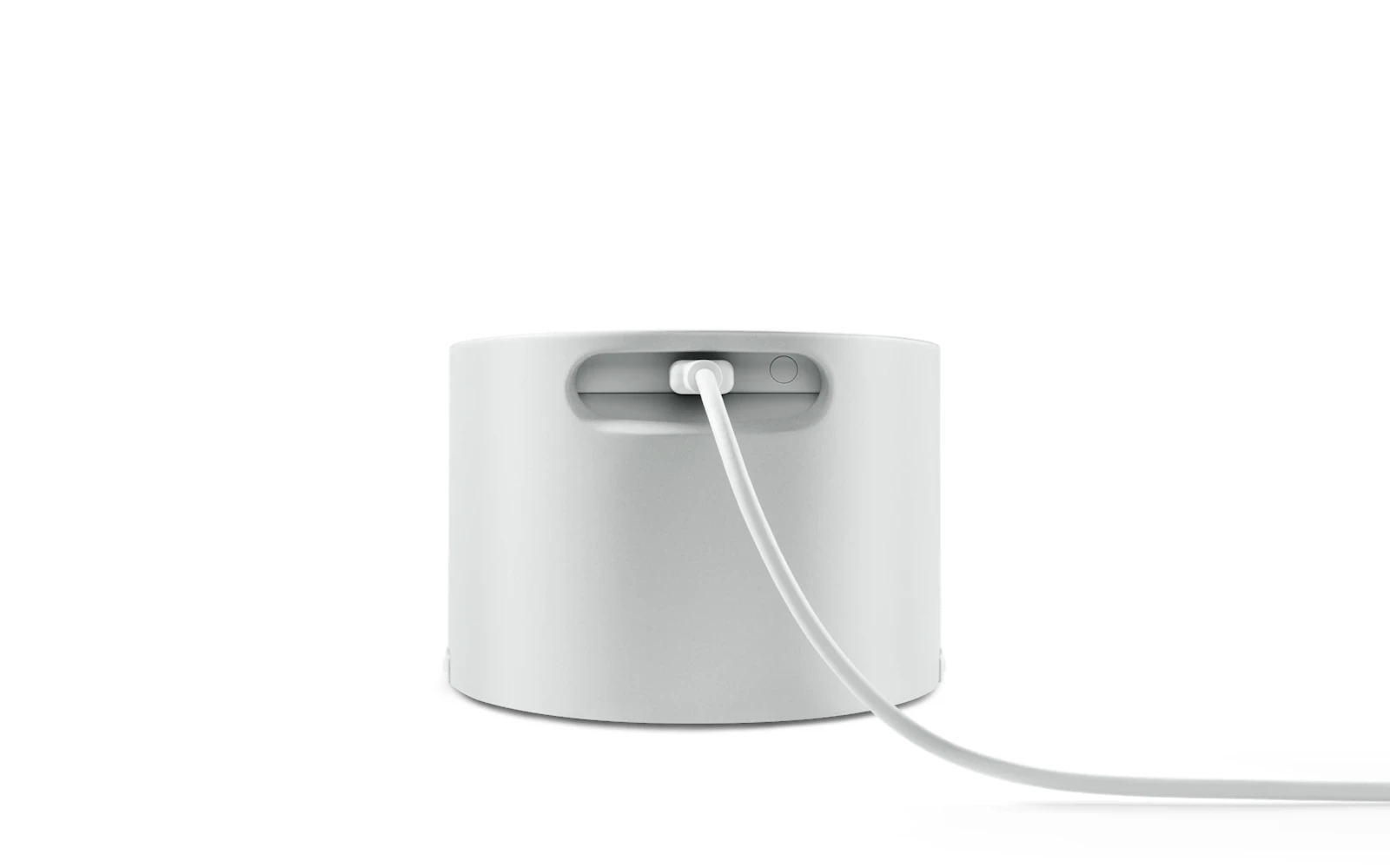 Square Reader Dock
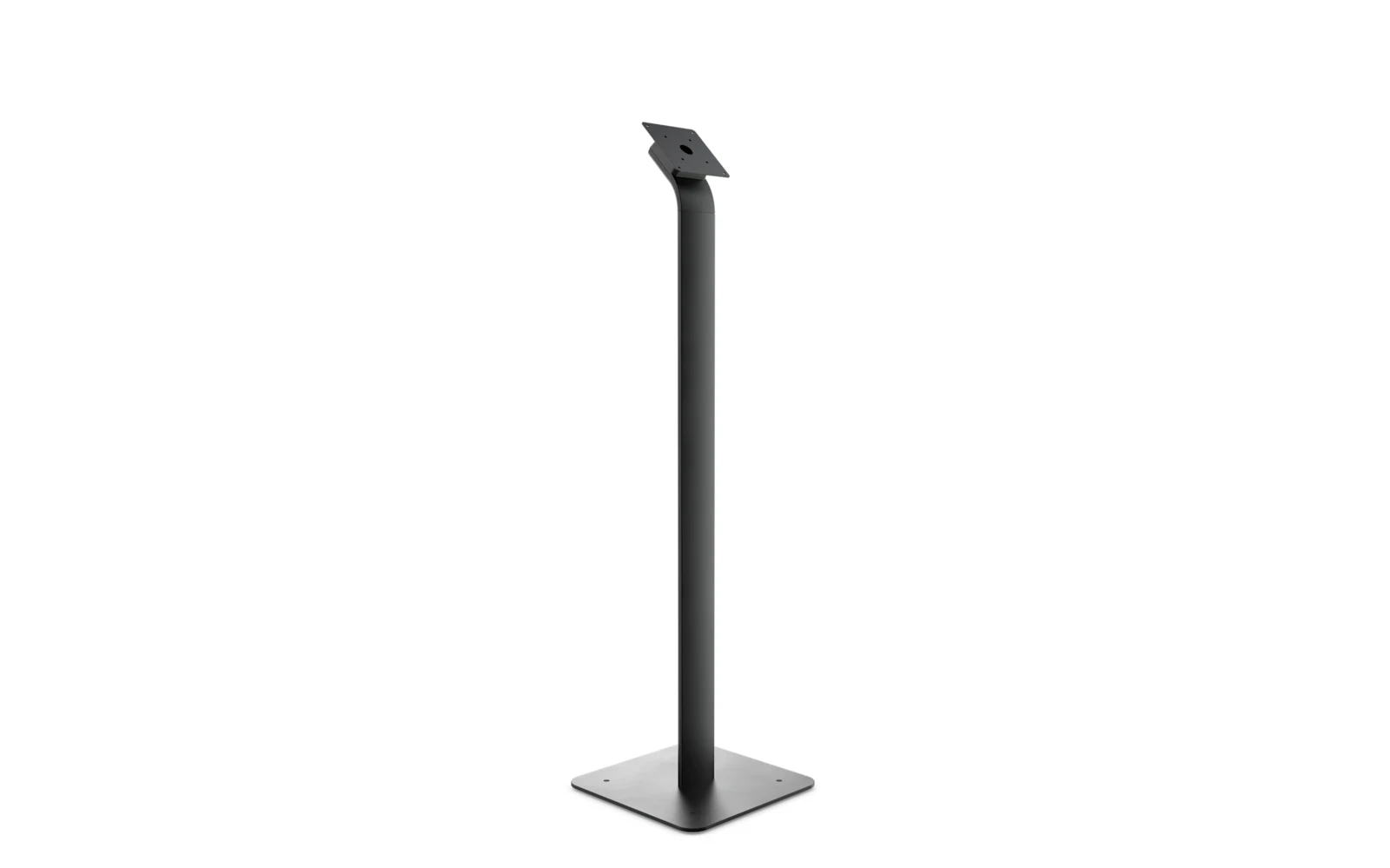 Kiosk Floor Stand
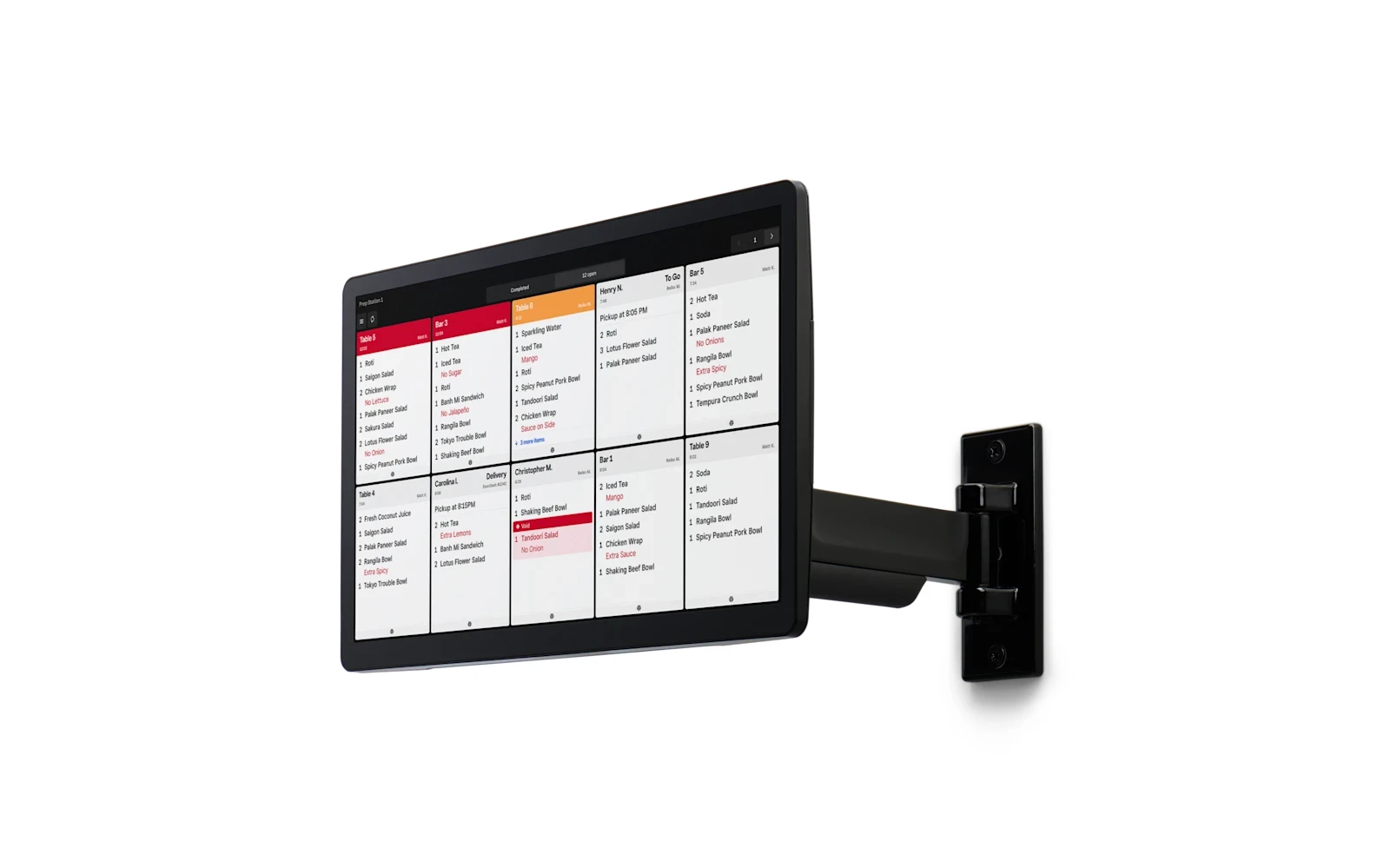 Kiosk / KDS Wall Mount
 Networking Kit
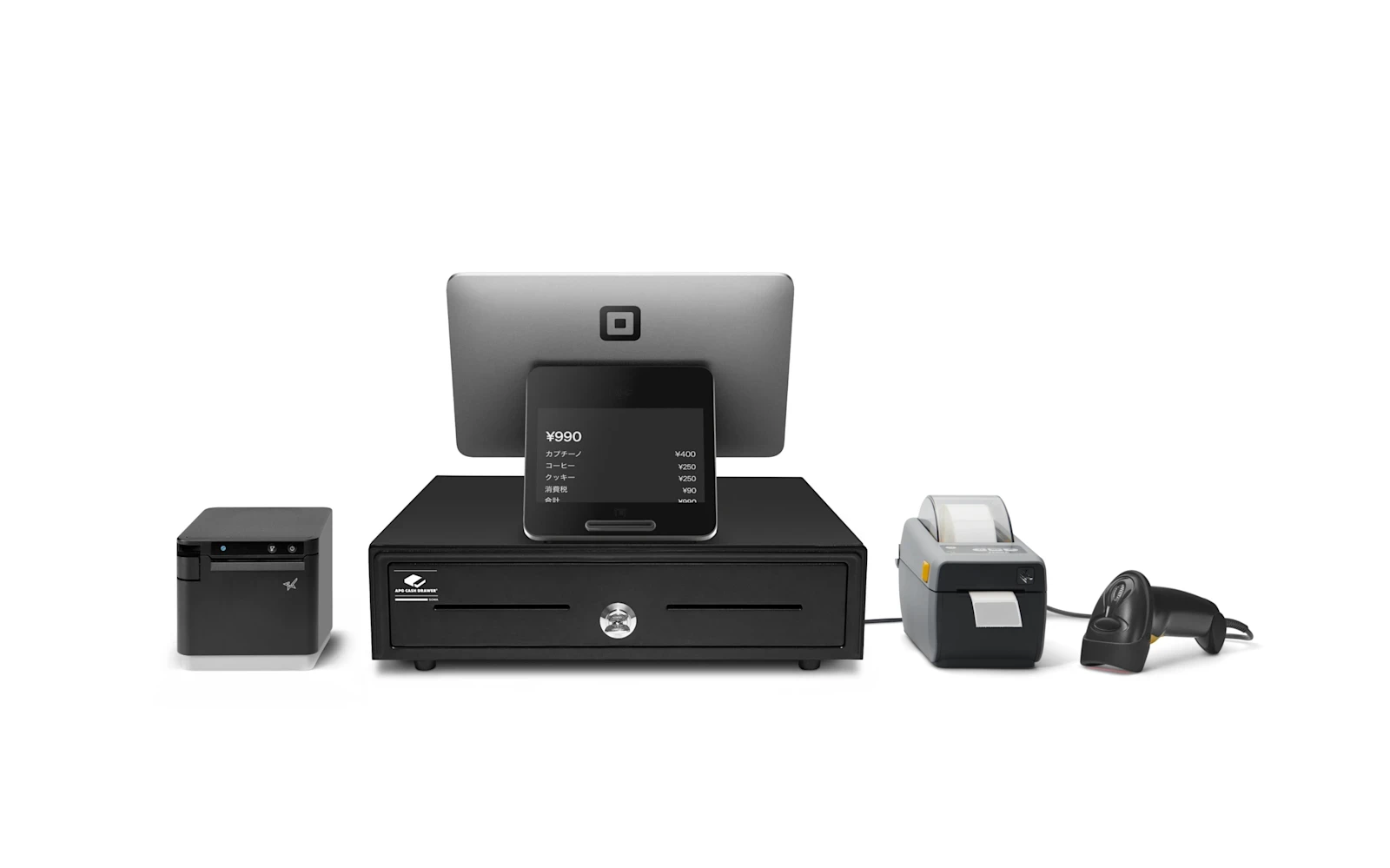 Square Register Retail Kit
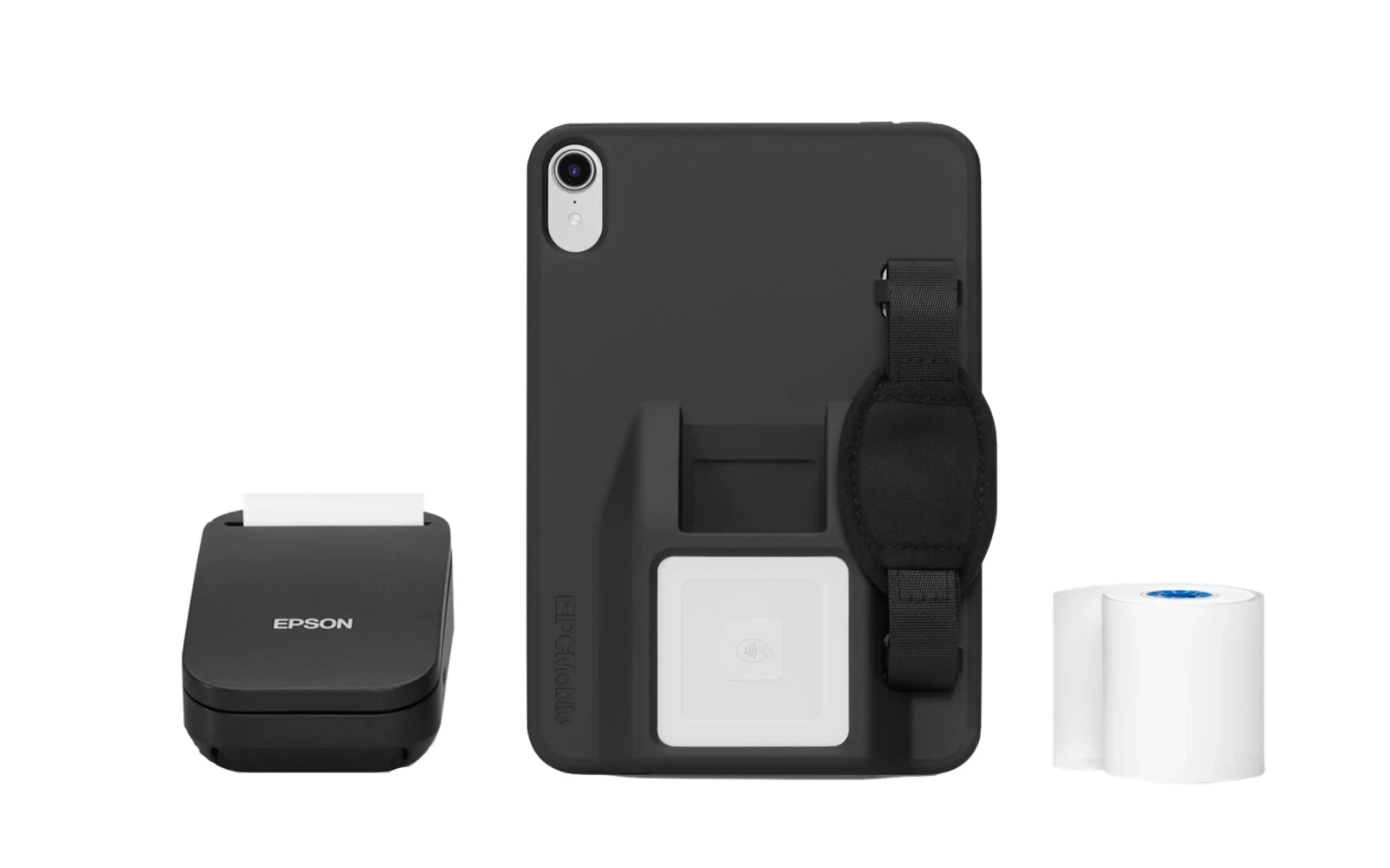 Square Mobile POS Kit
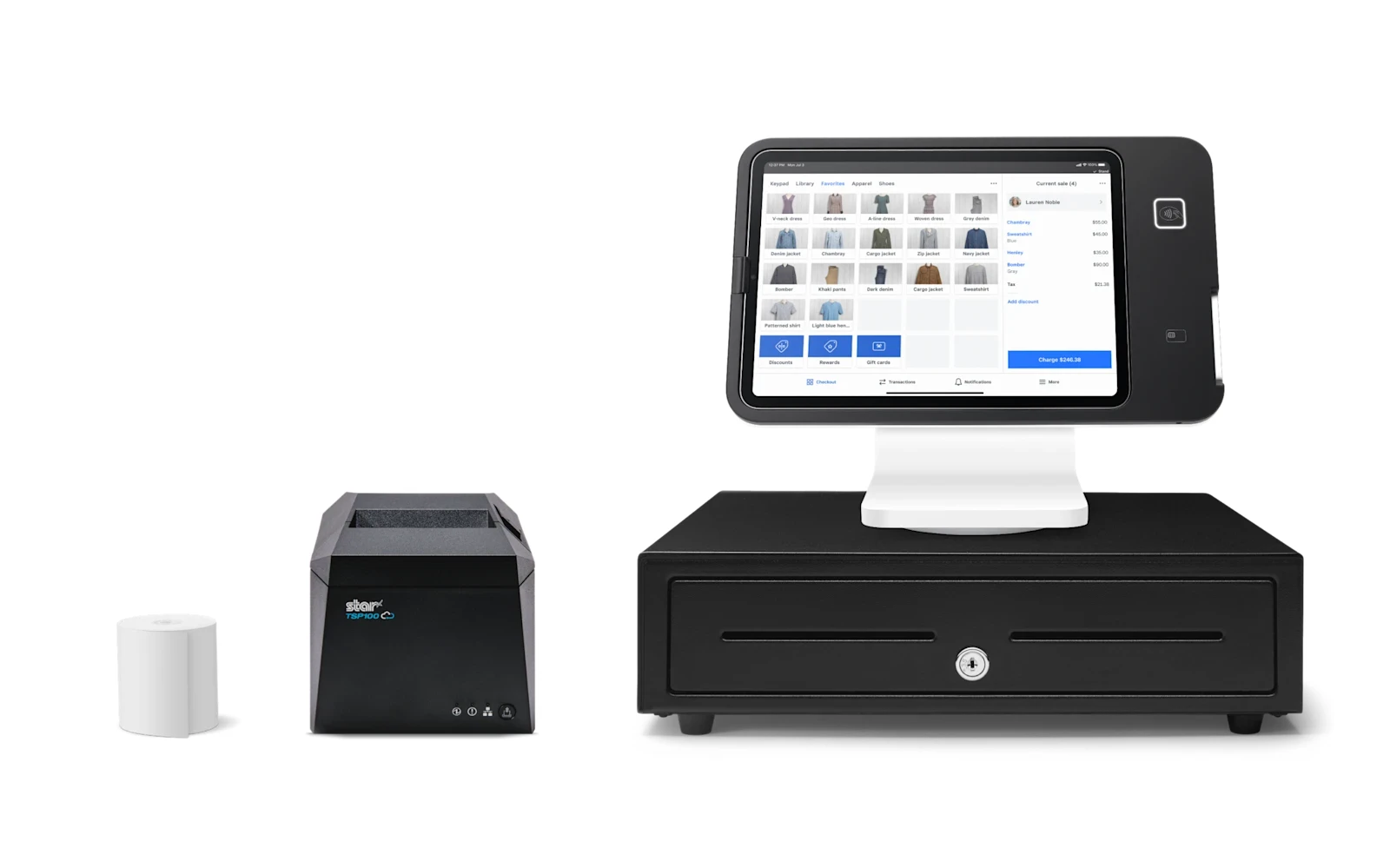 Square Stand Retail Kit
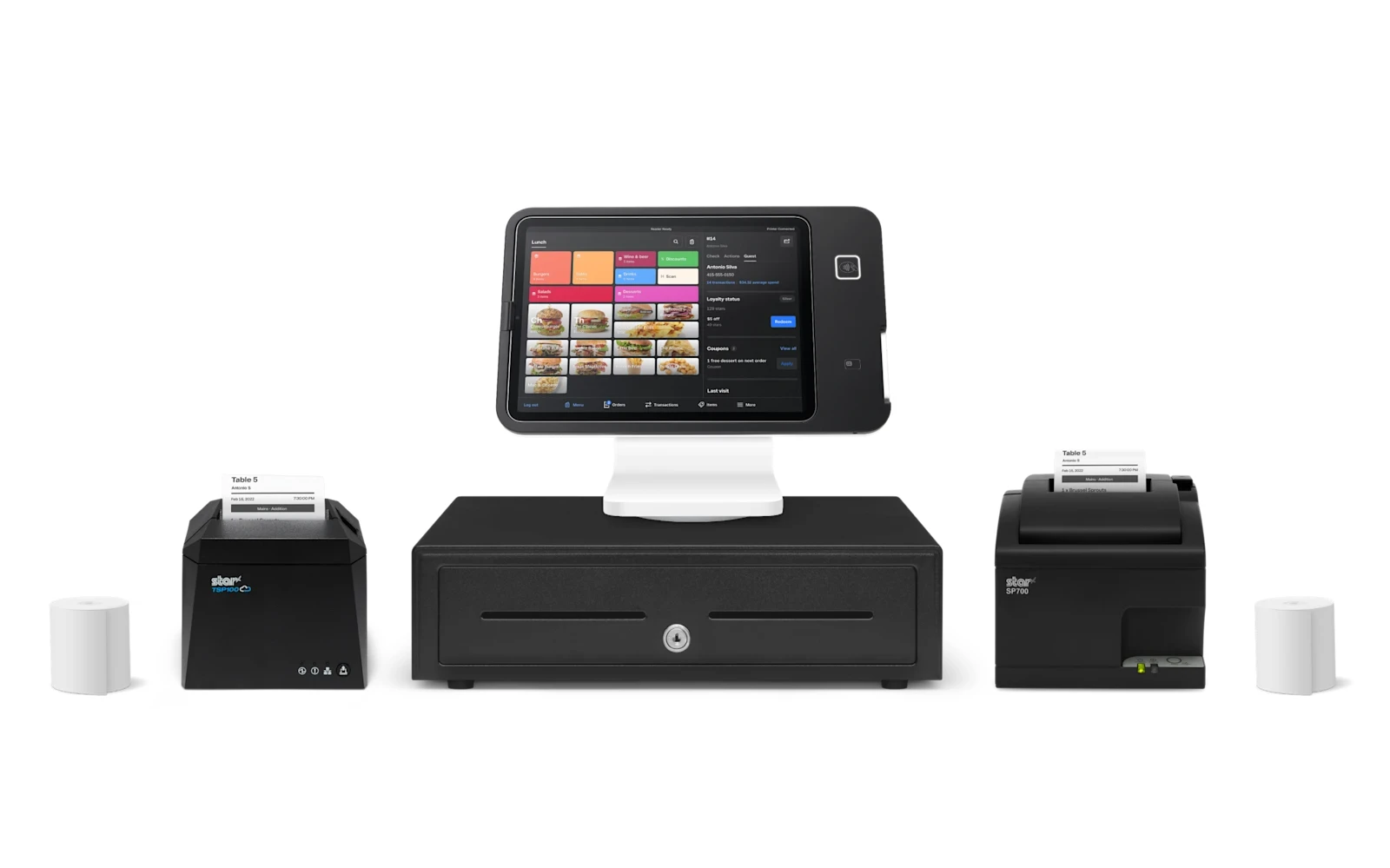 Square Stand Restaurant Kit
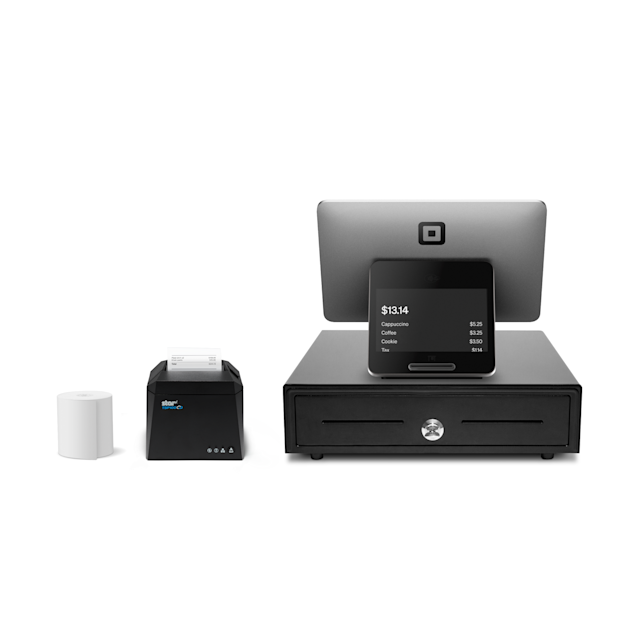 Square Register Kit
Lowering what you pay to accept a card frees up money every month with no extra work and no new customers.
I set up your Square hardware on a compliant dual-pricing or surcharge program, so your card fees stop eating your margin. The equipment carries simple monthly terms confirmed on your free review — and your processing savings can help cover it.
Tell me how you operate and I’ll point you to the exact setup — provided and configured at $0 up front on a zero-cost program. Book a free review or compare devices side by side.
Yes — Square is the easiest all-in-one POS to start with. I’ll match the exact model to how you operate.
There’s no up-front equipment cost to get started; the hardware carries simple monthly terms confirmed on your free review, and your processing savings can help cover it.
Yes — I set up Square on a compliant dual-pricing or surcharge program as part of zero-cost processing.
I transfer your menu, items, and settings to your new Square equipment for free, so nothing is lost in the switch.
Lowering what you pay to accept a card frees up money every month with no extra work and no new customers. The businesses that grow from there spend it on the three things that actually bring customers in: answering every call, a site that converts, and showing up on Google.
Free, no-obligation review — I’ll recommend the right equipment and show how your processing savings can cover it.
Prefer to talk now? Call or text (305) 215-6132