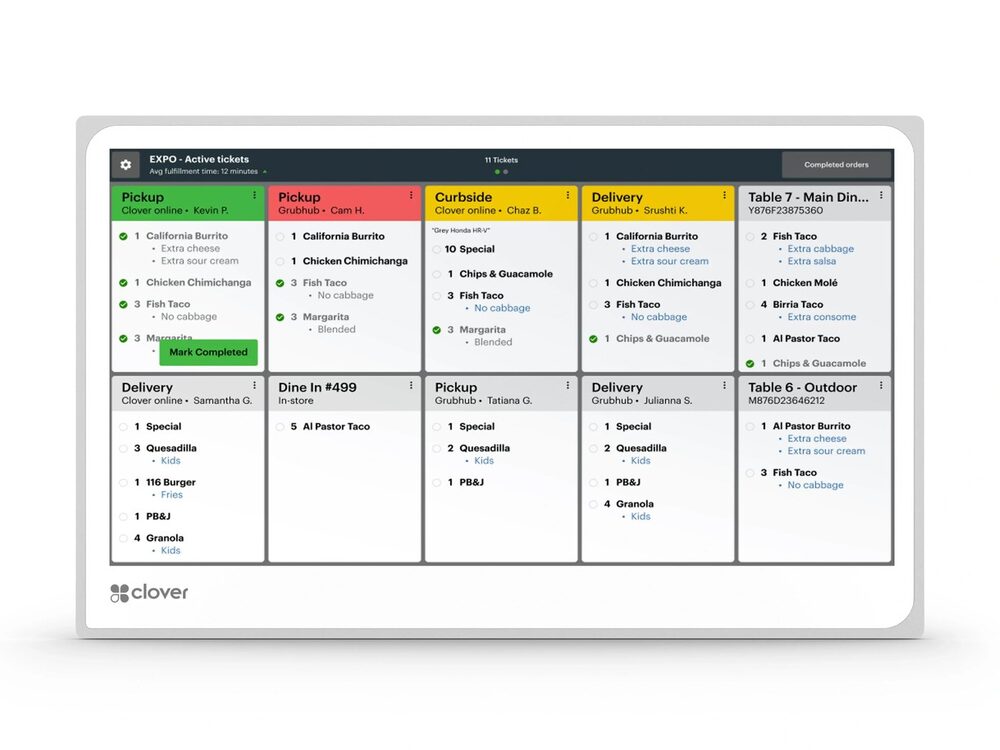
Clover KDS
Replace paper tickets with a digital display that routes orders the instant they're placed — available in 14″ and 24″, counter- or wall-mounted.
Provided & set up — $0 up front to get started; simple terms covered on your free review.
Replace paper tickets with a digital display that routes orders the instant they're placed — available in 14″ and 24″, counter- or wall-mounted.
Provided & set up — $0 up front to get started; simple terms covered on your free review.
The Clover KDS (Kitchen Display System) sends orders straight to a screen in the kitchen the moment they’re rung up — from the counter, a kiosk, a handheld, or online ordering. It replaces handwritten and printed tickets with a clear, color-coded digital queue.
It comes in two sizes — a 14″ display that mounts on the counter or the wall, and a larger 24″ display that’s ideal for overhead or wall mounting at a busy expo line. The result is fewer mistakes, faster ticket times, and smoother rushes, with a real-time view of timing on every order so front-of-house and back-of-house finally work from the same information.
Choose a 14″ display for the counter or wall, or a 24″ display for an overhead or wall-mounted expo line.
Orders from the counter, kiosk, handheld, and online all land on the kitchen screen the moment they’re placed.
Clear, legible digital tickets eliminate misread handwriting and lost paper.
See how long each order has been working with bump-bar workflow to keep tickets moving.
Syncs every order channel into a single view so nothing slips during a rush.
Lowering what you pay to accept a card frees up money every month with no extra work and no new customers.
I provide the Clover KDS and set it up for you on a zero-cost processing program — no up-front equipment cost, with setup, onboarding, and training included. You also get my personal support plus a 24/7 US-based team behind you. The equipment isn't free, but there's nothing out of pocket to get started, and I'll show how your card-fee savings can help cover it.
Two: a 14″ display that can be counter- or wall-mounted, and a larger 24″ display that’s ideal for overhead or wall mounting at a busy expo line. I’ll help you pick the size and mount that fit your kitchen.
Yes — both the 14″ and 24″ models support wall mounting, and the 14″ can also sit on a countertop stand.
Yes — it pulls orders from the counter, Clover Kiosk, handhelds, and online ordering into one queue.
No up-front equipment cost to start; setup and onboarding are included. Book a free review for the details.
Lowering what you pay to accept a card frees up money every month with no extra work and no new customers. The businesses that grow from there spend it on the three things that actually bring customers in: answering every call, a site that converts, and showing up on Google.
Book a free 15-minute review — I'll confirm the exact setup, provide it at $0 to get started, and show what your processing savings can cover.
Prefer to talk now? Call or text (305) 215-6132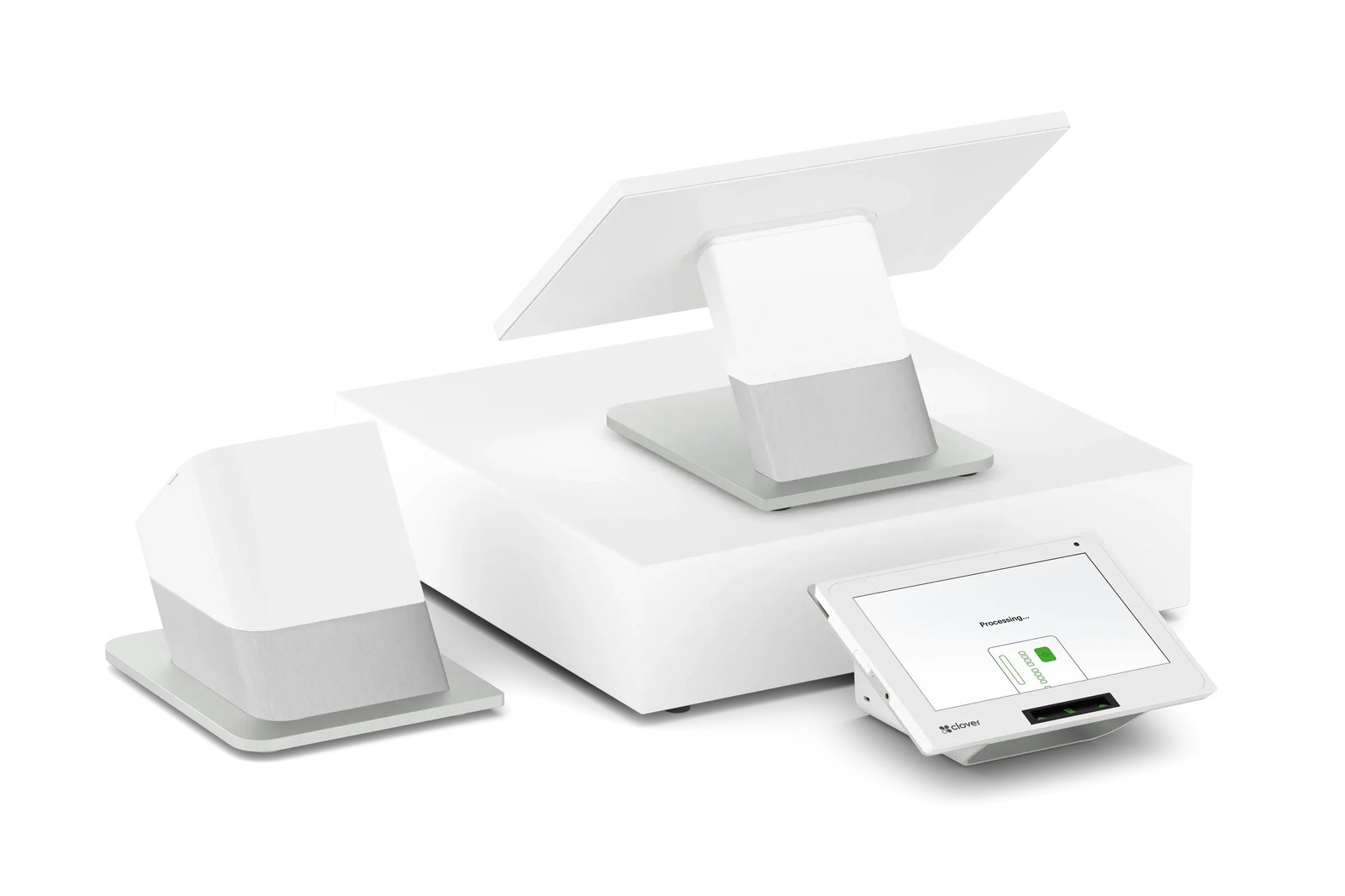 Clover Station Duo
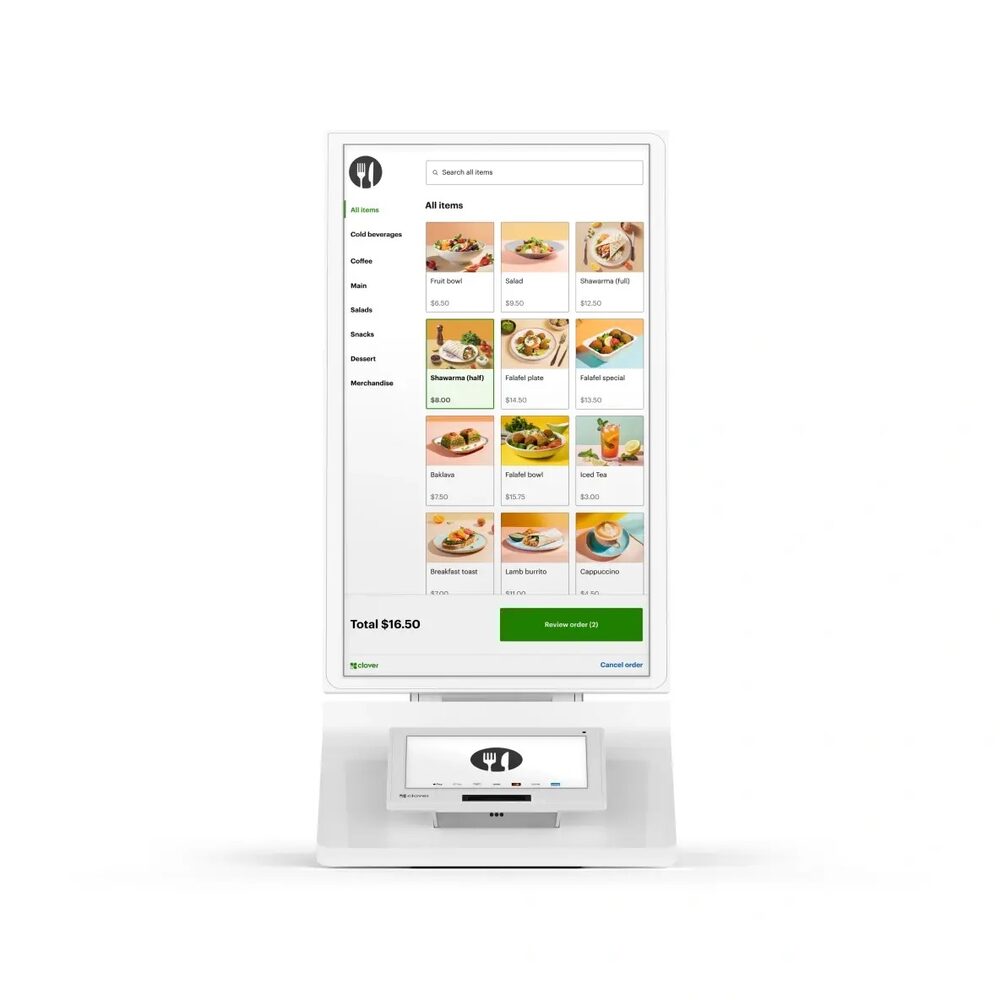 Clover Kiosk
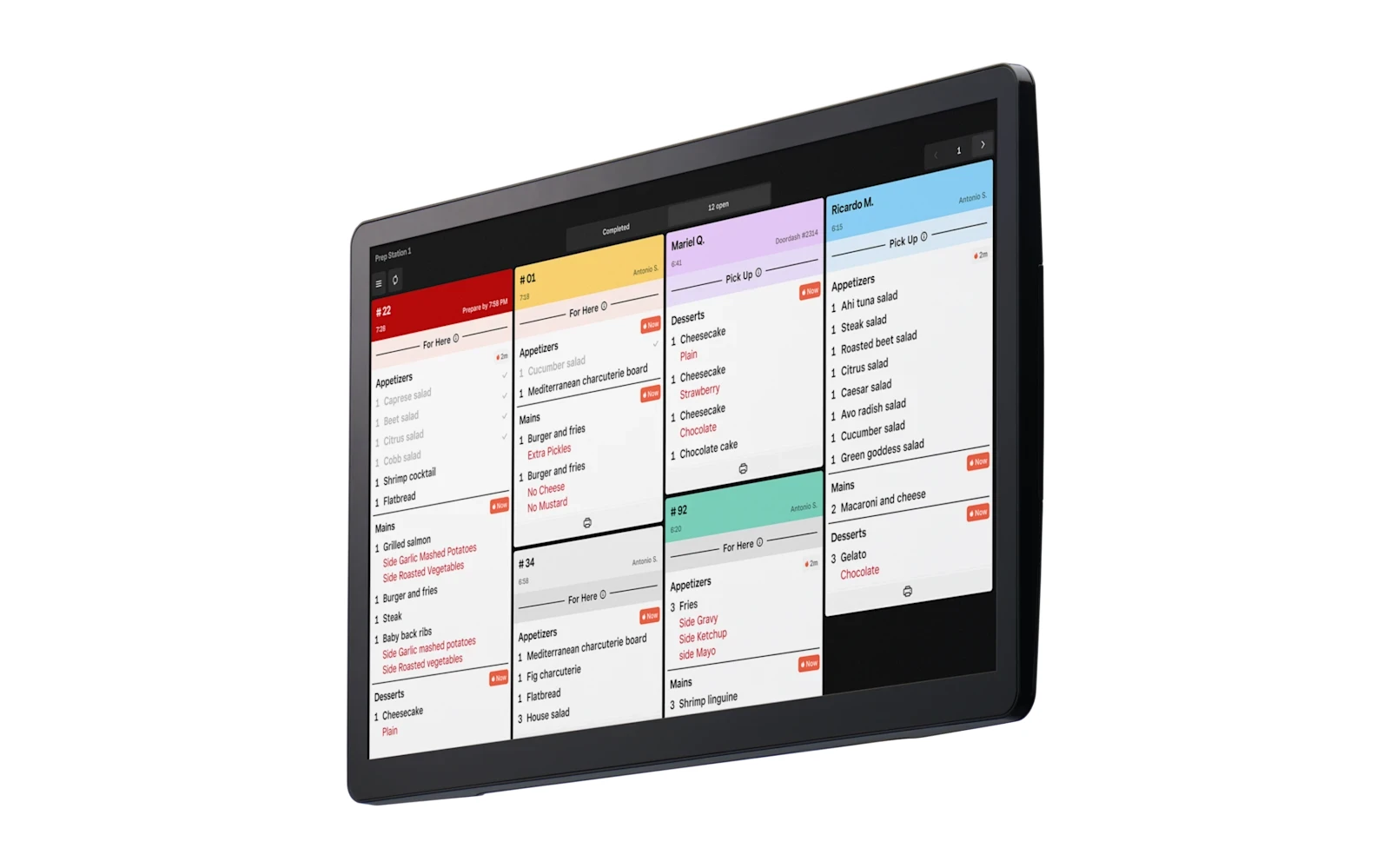 Square KDS