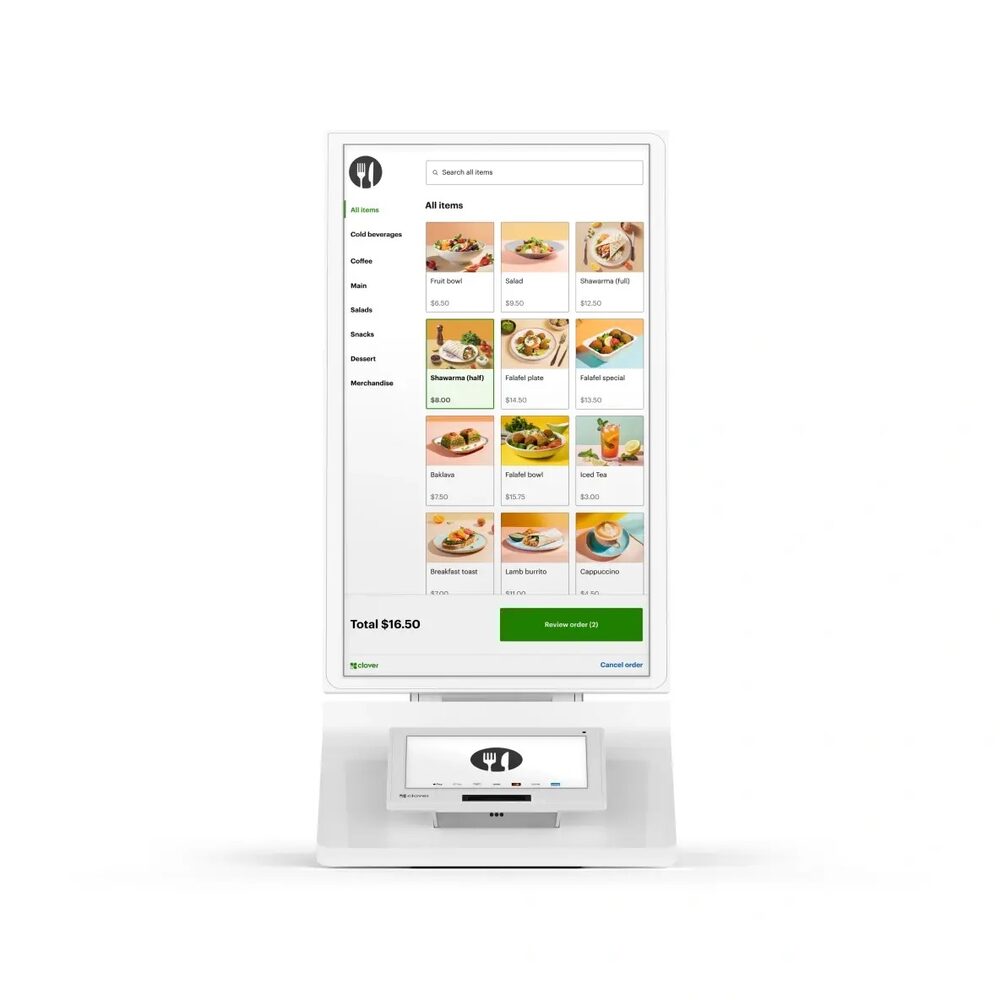
Clover Kiosk
Self-ordering that consistently lifts average ticket, speeds lines, and frees your staff for service.
Provided & set up — $0 up front to get started; simple terms covered on your free review.
Self-ordering that consistently lifts average ticket, speeds lines, and frees your staff for service.
Provided & set up — $0 up front to get started; simple terms covered on your free review.
The Clover Kiosk lets your customers browse the menu, customize their order, and pay on their own — no staff required at the point of order. For quick-serve restaurants and high-volume counters, self-ordering is one of the most reliable ways to raise average ticket size while shortening lines.
Orders flow straight into your Clover system and kitchen display, so the kiosk doesn’t just take orders — it speeds the whole operation. Built-in upsell prompts encourage add-ons on every order, and your team is freed up to focus on service and throughput.
Guided menus and upsell prompts consistently lift order size when customers order themselves.
Customers self-serve, so more orders move through during peak periods.
Your team spends time on food, service, and throughput instead of order entry.
Orders route straight into Clover and the kitchen display — one connected flow.
A clean self-order experience customers recognize and trust.
Every dollar you stop paying to accept a card is a dollar back.
I provide the Clover Kiosk and set it up for you on a zero-cost processing program — no up-front equipment cost, with setup, onboarding, and training included. You also get my personal support plus a 24/7 US-based team behind you. The equipment isn't free, but there's nothing out of pocket to get started, and I'll show how your card-fee savings can help cover it.
Self-ordering kiosks consistently raise average ticket because guided menus and upsell prompts encourage add-ons — customers tend to order more when they self-serve at their own pace.
Yes — orders sync into your Clover system and kitchen display, so there’s no double entry.
Yes. The Kiosk works alongside Clover Stations, handhelds, and the KDS as one connected system.
No up-front equipment cost to get started; I provide and set it up with onboarding included. Book a free review for the details.
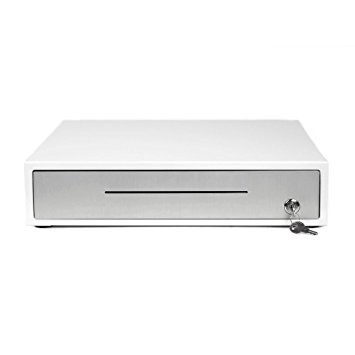
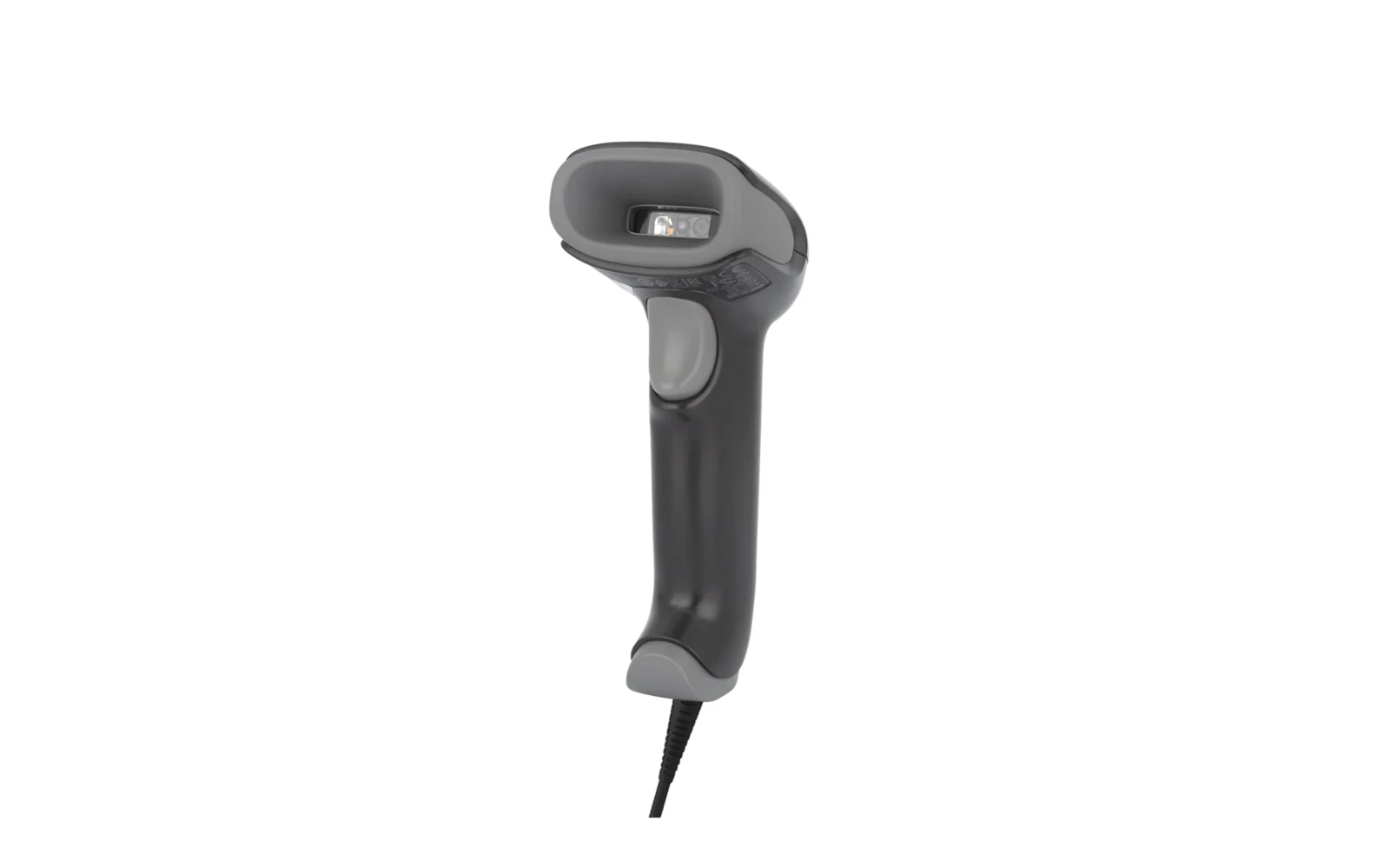
Common add-ons that pair with the Clover Kiosk. All provided at $0 to get started.
Every dollar you stop paying to accept a card is a dollar back. The bigger number for most kitchens is the 15% to 30% a marketplace takes off the top of every delivery order -- and unlike interchange, that one you can remove entirely by owning the ordering.
Book a free 15-minute review — I'll confirm the exact setup, provide it at $0 to get started, and show what your processing savings can cover.
Prefer to talk now? Call or text (305) 215-6132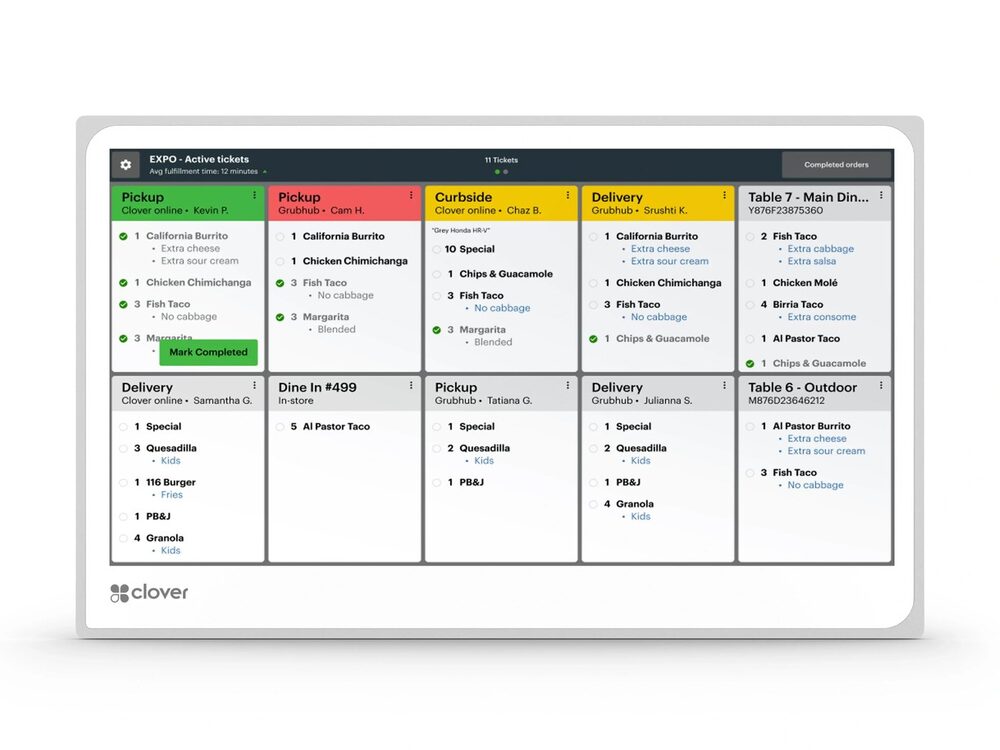 Clover KDS
 Clover Cash Drawer
 Barcode Scanner
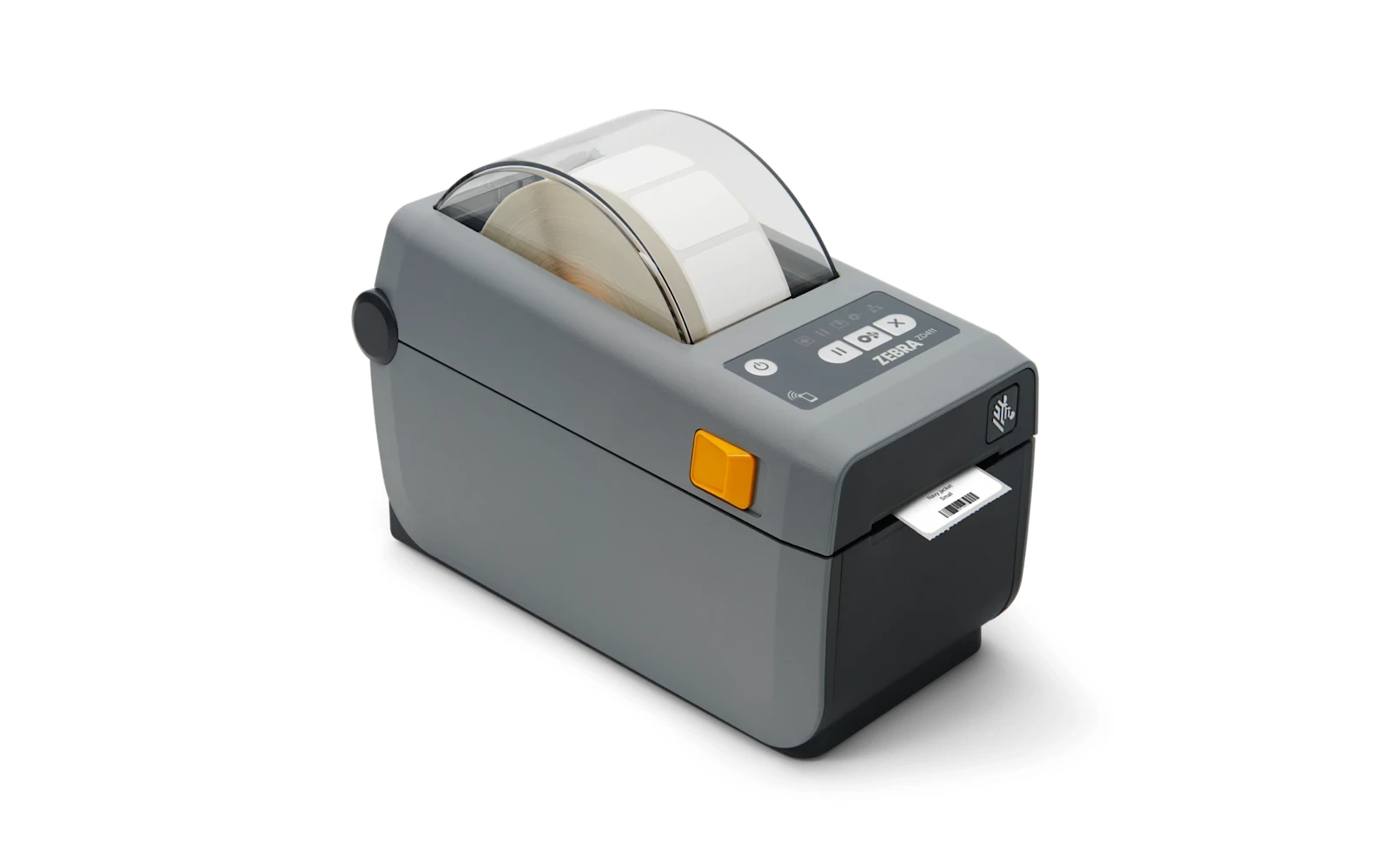 Label Printer
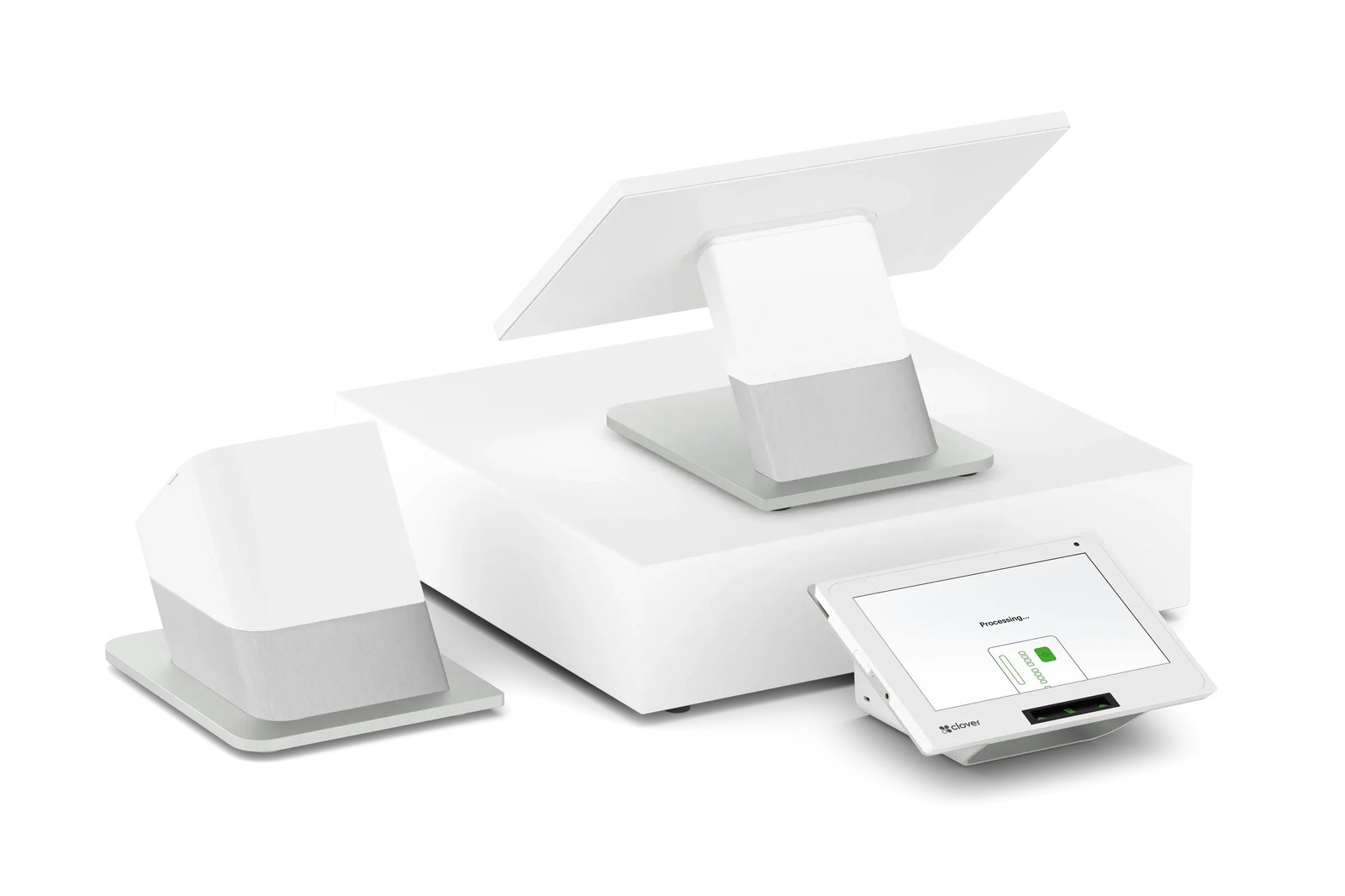 Clover Station Duo
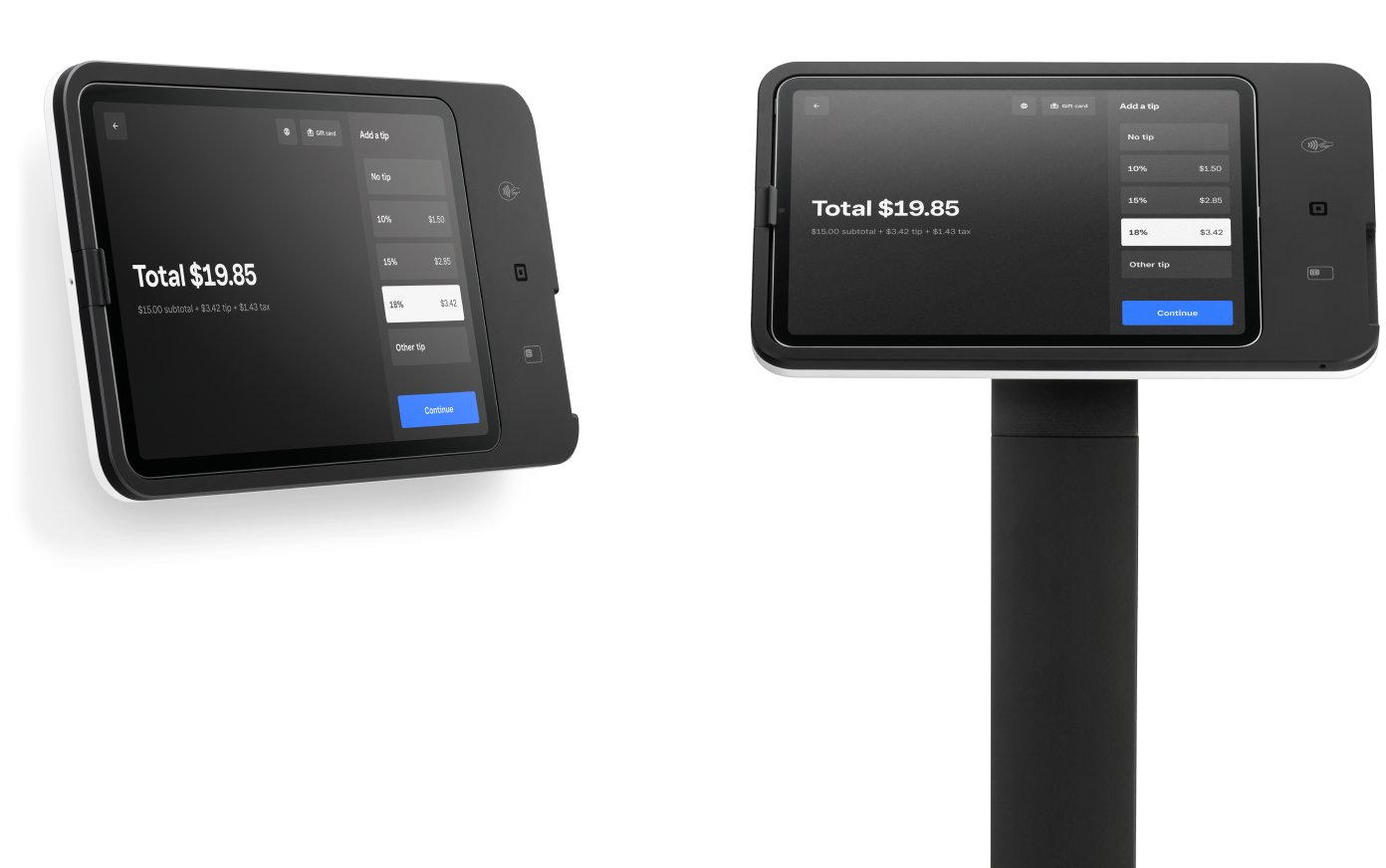 Square Kiosk