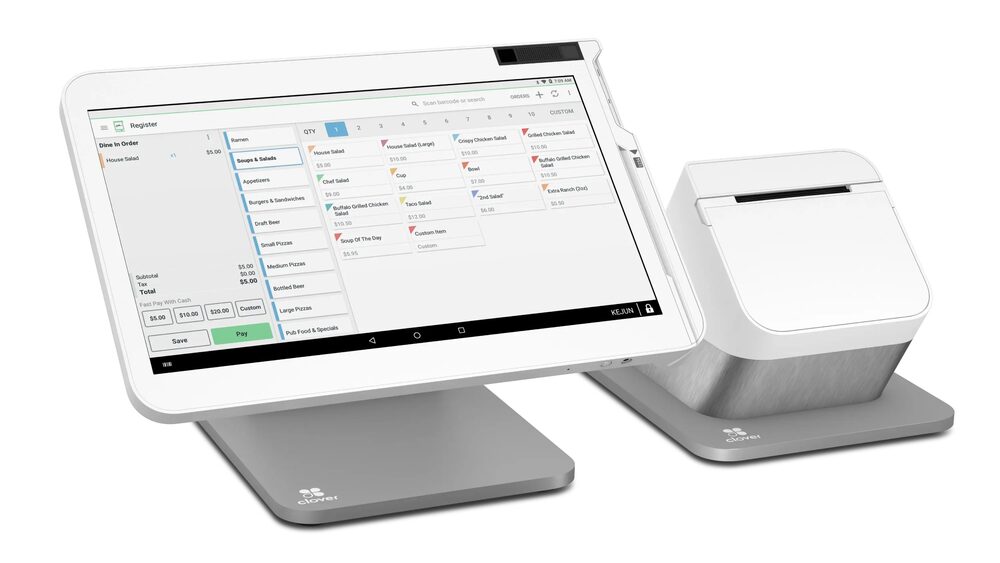
Clover Station Solo
All the power of the Clover platform in a clean, single-screen countertop register.
Provided & set up — $0 up front to get started; simple terms covered on your free review.
All the power of the Clover platform in a clean, single-screen countertop register.
Provided & set up — $0 up front to get started; simple terms covered on your free review.
The Clover Station Solo gives you the complete Clover point-of-sale platform in a single-screen countertop unit. It’s the right pick when you want the full power of a Clover Station — payments, inventory, employees, and reporting — without the second customer-facing display.
Built around a large, bright merchant touchscreen with an included receipt printer and cash drawer, the Station Solo is a clean, dependable workhorse for retail counters, service businesses, and restaurants that don’t need a dual-screen setup.
Run sales, inventory, staff, customers, and reporting from one bright, fast touchscreen.
A high-speed thermal receipt printer and cash drawer come with it — ready for cash and card.
EMV chip, swipe, and NFC contactless including Apple Pay and Google Pay, all encrypted.
Add the Clover apps your business needs — from appointments to online ordering — as you grow.
Built to support dual-pricing and surcharge programs out of the box.
Lowering what you pay to accept a card frees up money every month with no extra work and no new customers.
I provide the Clover Station Solo and set it up for you on a zero-cost processing program — no up-front equipment cost, with setup, onboarding, and training included. You also get my personal support plus a 24/7 US-based team behind you. The equipment isn't free, but there's nothing out of pocket to get started, and I'll show how your card-fee savings can help cover it.
The Duo adds a second, customer-facing screen for tips and order transparency. The Solo is a single merchant screen — same Clover platform, lower footprint, ideal when you don’t need the customer display.
Yes — the package includes a cash drawer and a built-in receipt printer.
Absolutely. The Station Solo pairs with Clover Flex handhelds and the Clover KDS, so you can expand as you grow.
Nothing up front. I provide and set up the equipment with no up-front cost and include onboarding; book a free review for clear terms.
Common add-ons that pair with the Clover Station Solo. All provided at $0 to get started.
Lowering what you pay to accept a card frees up money every month with no extra work and no new customers. The businesses that grow from there spend it on the three things that actually bring customers in: answering every call, a site that converts, and showing up on Google.
Book a free 15-minute review — I'll confirm the exact setup, provide it at $0 to get started, and show what your processing savings can cover.
Prefer to talk now? Call or text (305) 215-6132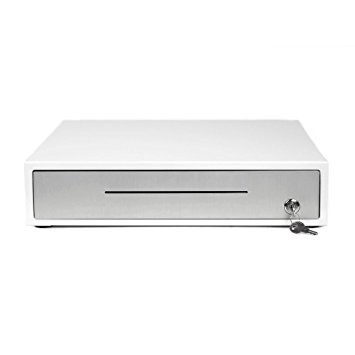 Clover Cash Drawer
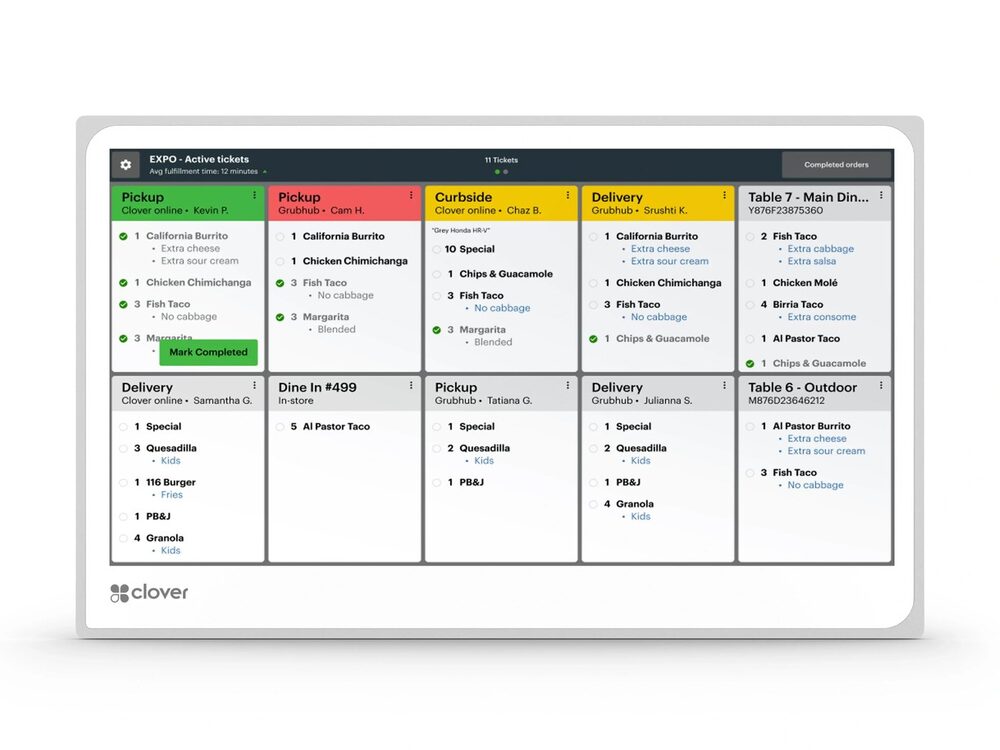 Clover KDS
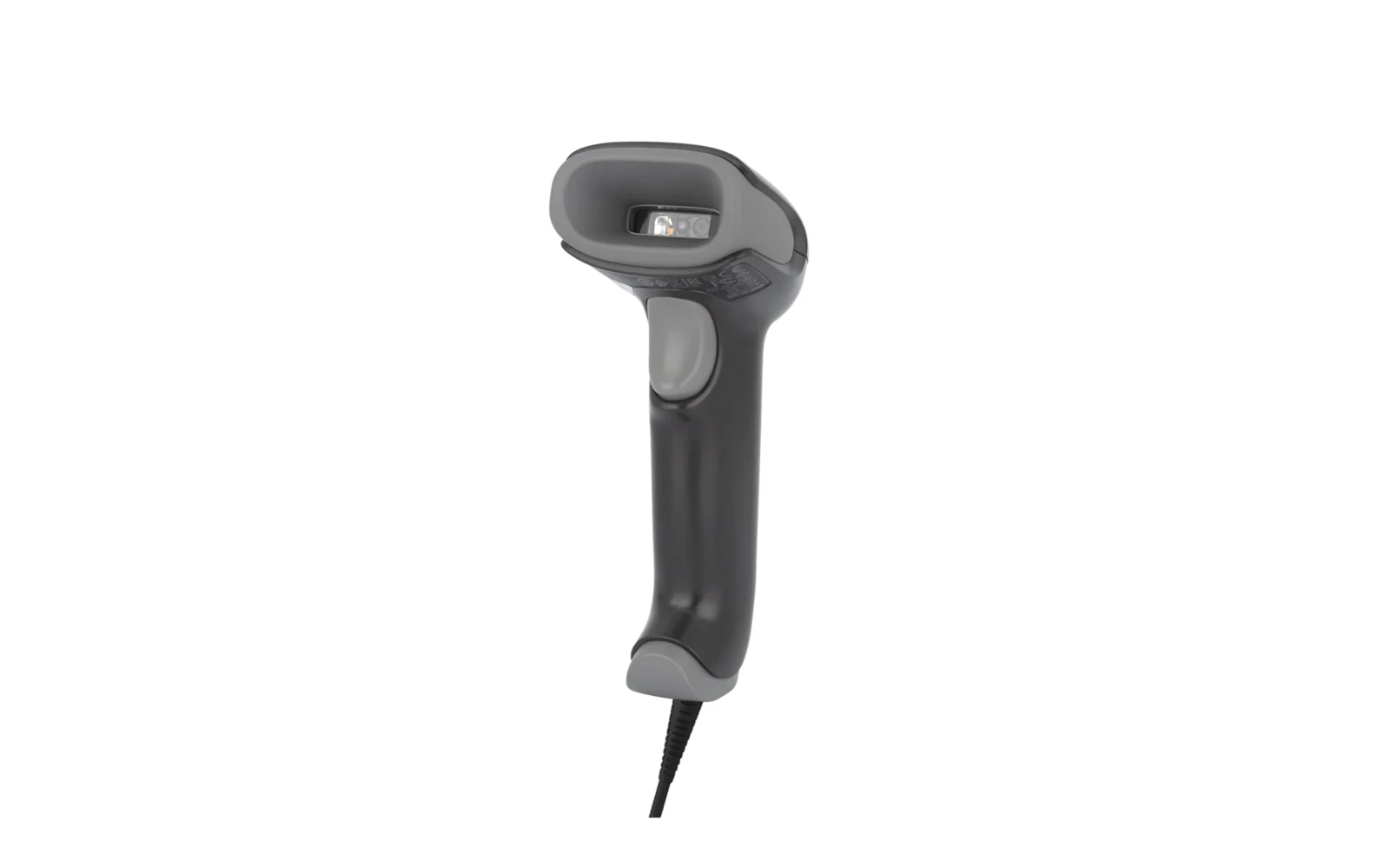 Barcode Scanner
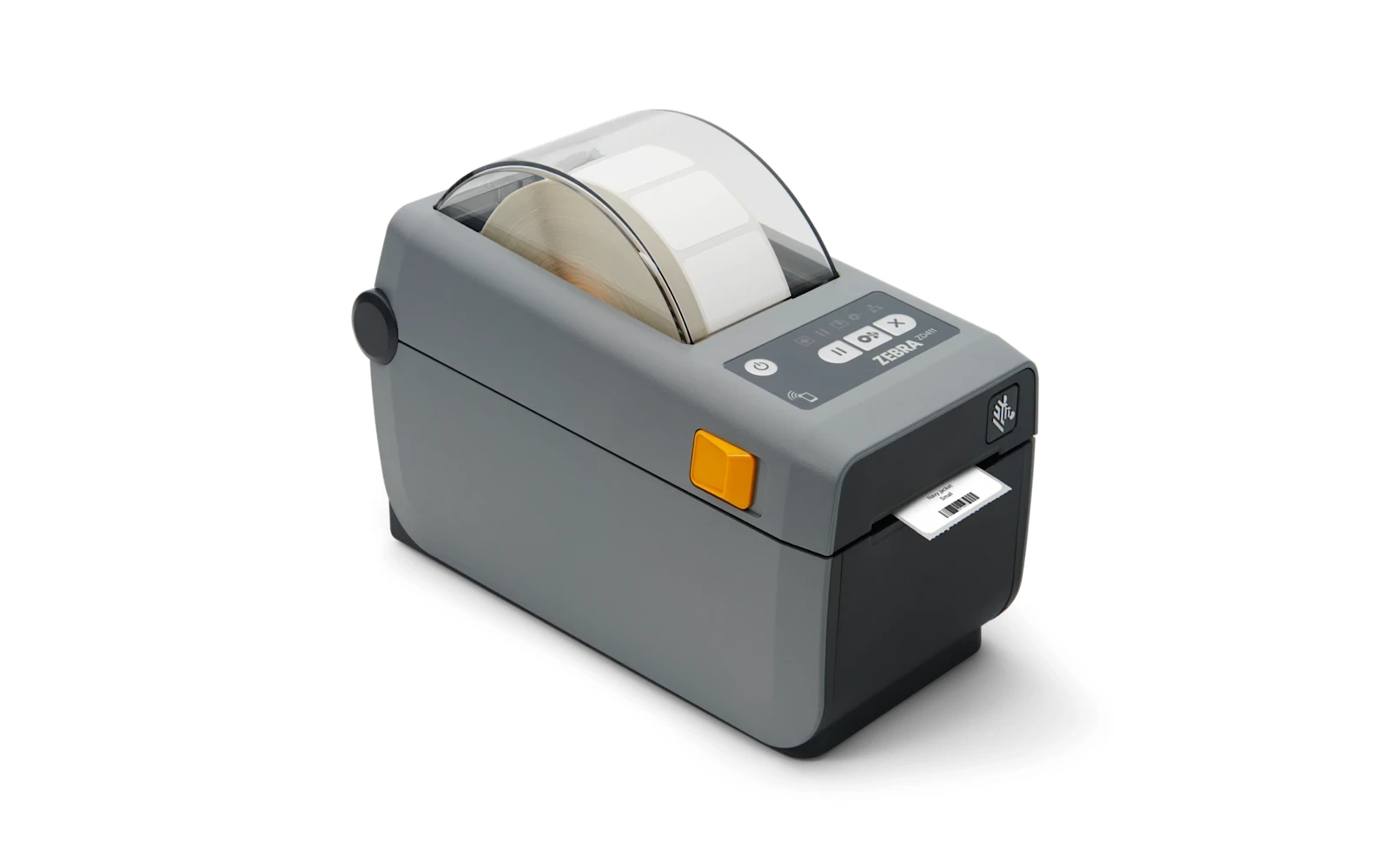 Label Printer
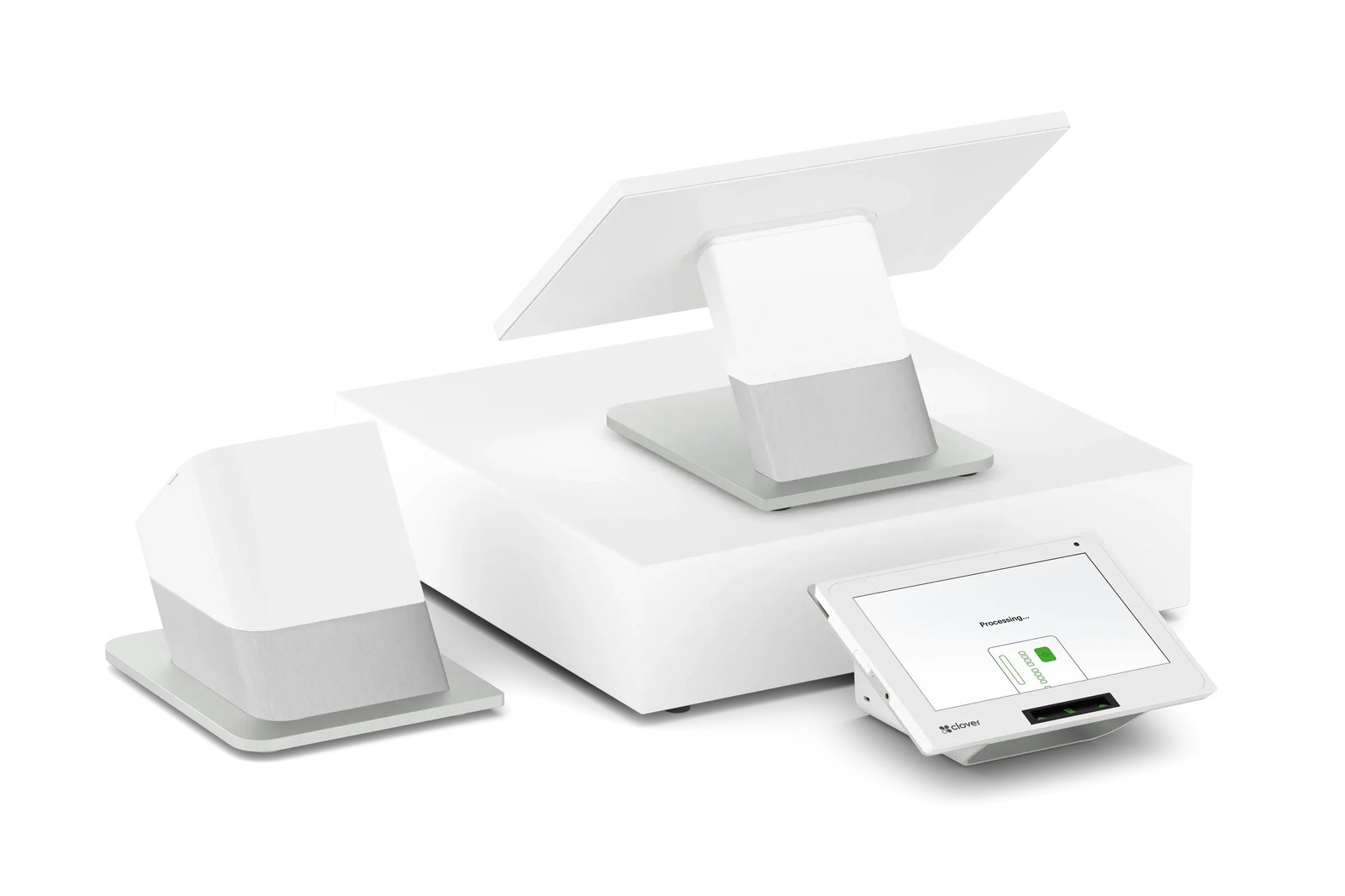 Clover Station Duo
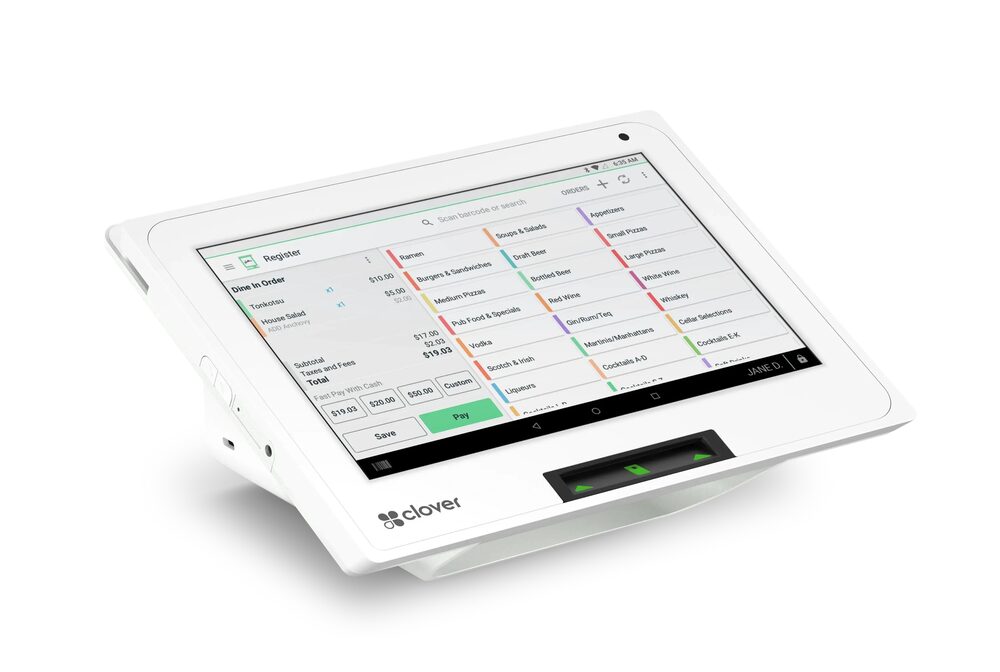 Clover Mini
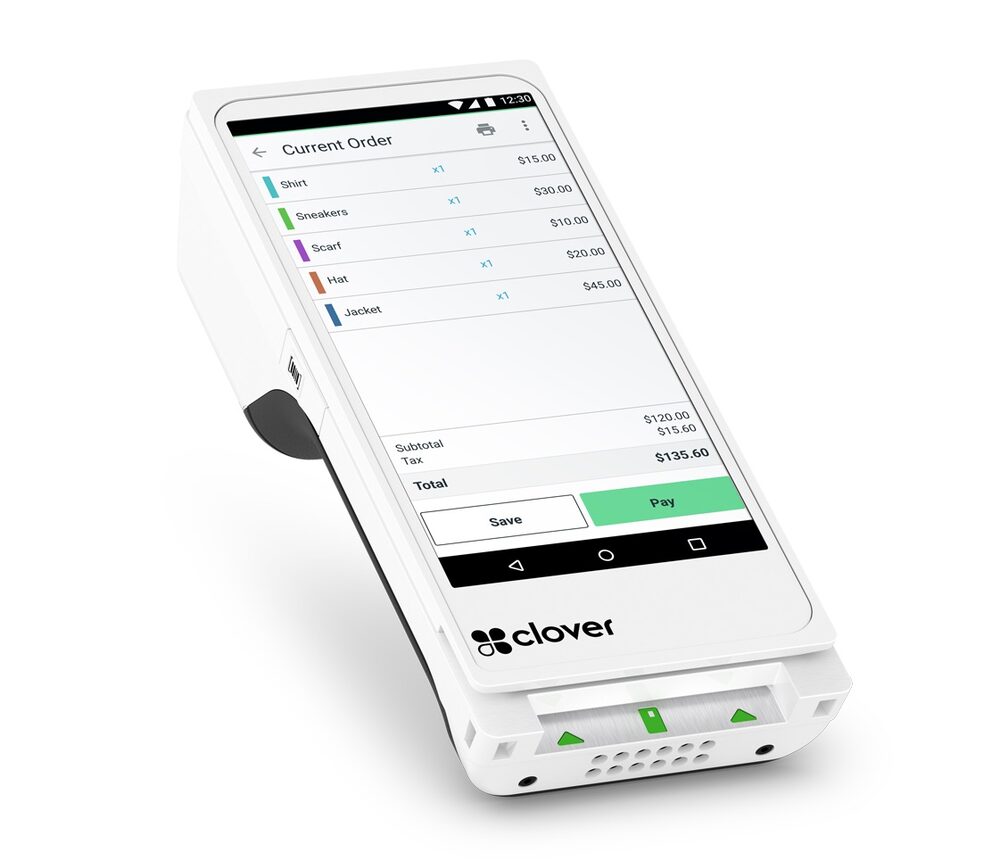 Clover Flex