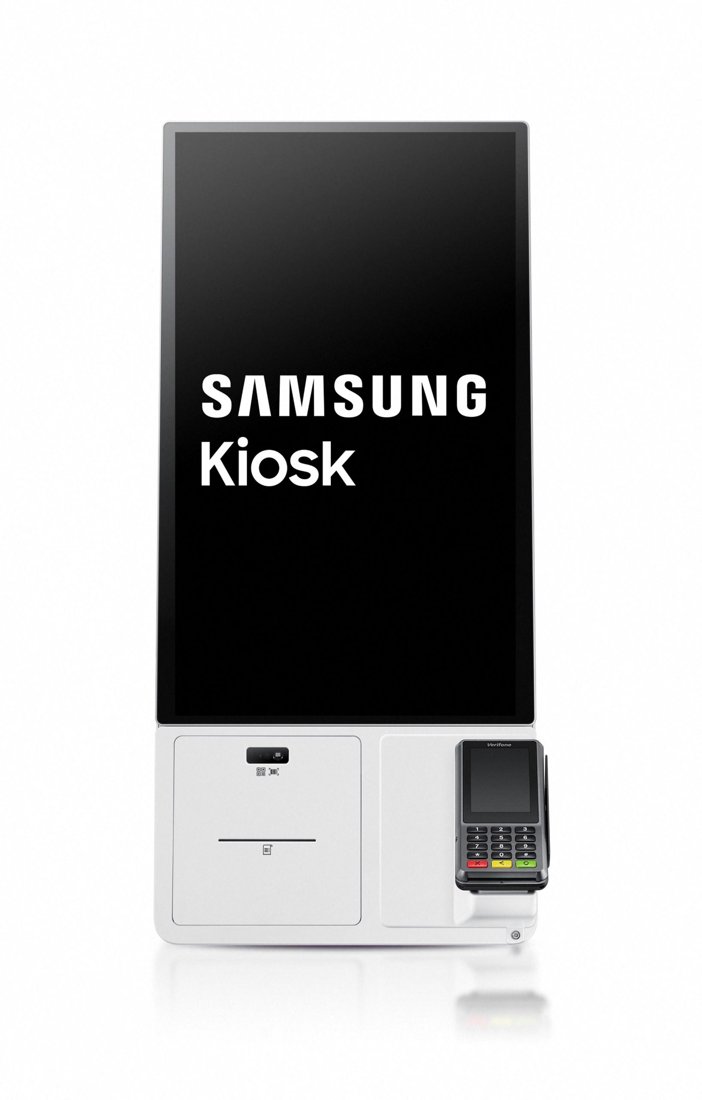
Samsung Kiosk
A sleek 24″ self-ordering kiosk with a built-in printer — a brand-name way to lift average ticket.
Provided & set up — $0 up front to get started; simple terms covered on your free review.
A sleek 24″ self-ordering kiosk with a built-in printer — a brand-name way to lift average ticket.
Provided & set up — $0 up front to get started; simple terms covered on your free review.
The Samsung Kiosk brings a premium, brand-name self-ordering experience to your counter. Its bright 24″ touchscreen lets customers browse, customize, and pay on their own, while a connection box adds a built-in printer and flexible payment options.
Self-ordering is one of the most reliable ways to raise average ticket and shorten lines, and the Samsung Kiosk pairs with self-order software to fit quick-serve, cafes, and high-volume counters — set up on a zero-cost program.
A bright, modern self-order display customers trust.
The connection box adds receipts plus card, tap, and QR.
Guided self-ordering consistently raises order size.
Mount on the counter or on a floor stand.
Pairs with self-order software for your menu.
Every dollar you stop paying to accept a card is a dollar back.
I provide the Samsung Kiosk and set it up for you on a zero-cost processing program — no up-front equipment cost, with setup, onboarding, and training included. You also get my personal support plus a 24/7 US-based team behind you. The equipment isn't free, but there's nothing out of pocket to get started, and I'll show how your card-fee savings can help cover it.
It’s a 24″ Full HD touchscreen for easy self-ordering.
Yes — the connection box adds a built-in printer plus card, tap, and QR payment options.
On a countertop or a floor stand, depending on your space.
No up-front equipment cost; setup and onboarding included. Book a free review.
Universal add-ons that work with the Samsung Kiosk — matching printers and cash drawers are configured with your terminal. All provided at $0 to get started.
Every dollar you stop paying to accept a card is a dollar back. The bigger number for most kitchens is the 15% to 30% a marketplace takes off the top of every delivery order -- and unlike interchange, that one you can remove entirely by owning the ordering.
Book a free 15-minute review — I'll confirm the exact setup, provide it at $0 to get started, and show what your processing savings can cover.
Prefer to talk now? Call or text (305) 215-6132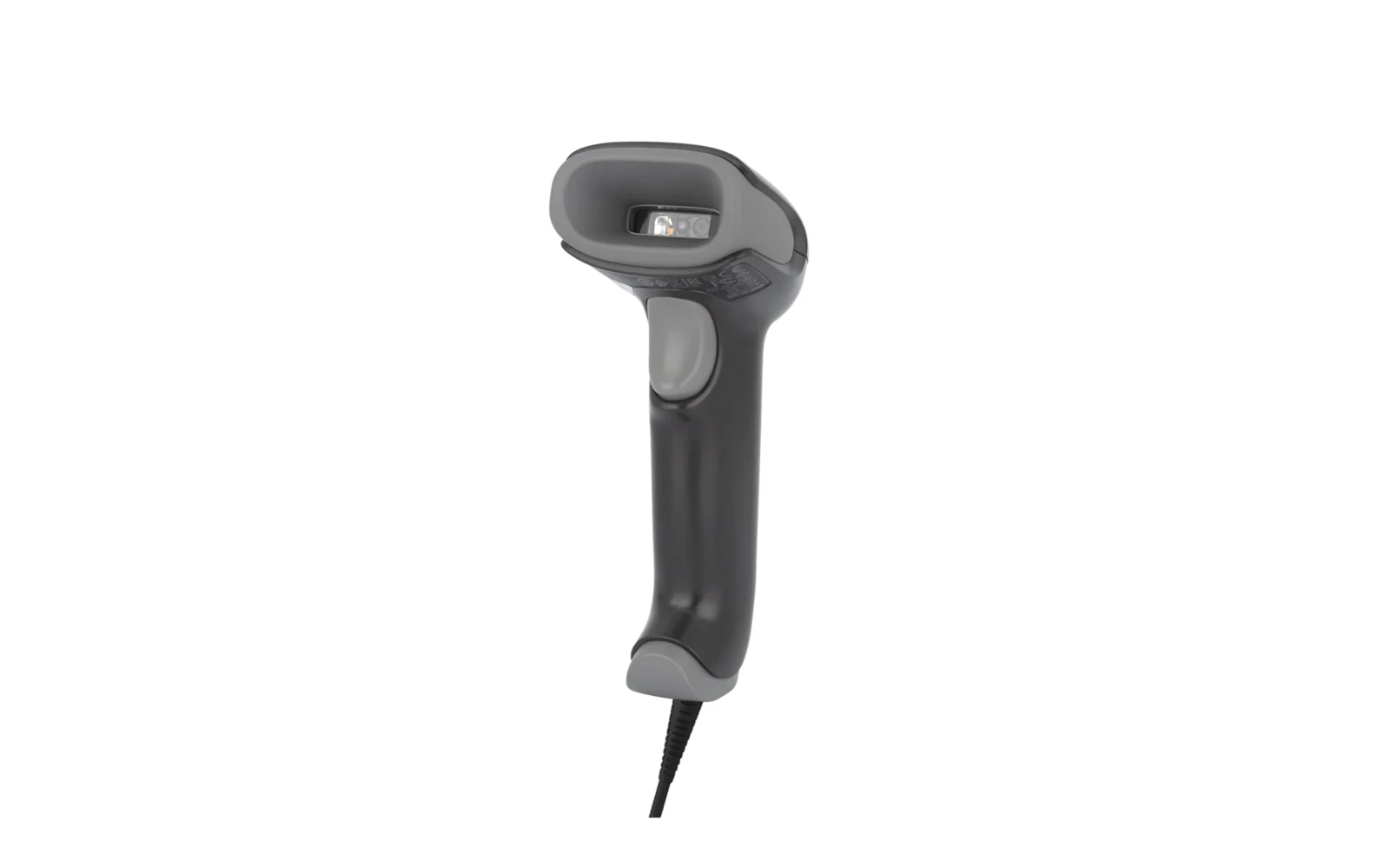 Barcode Scanner
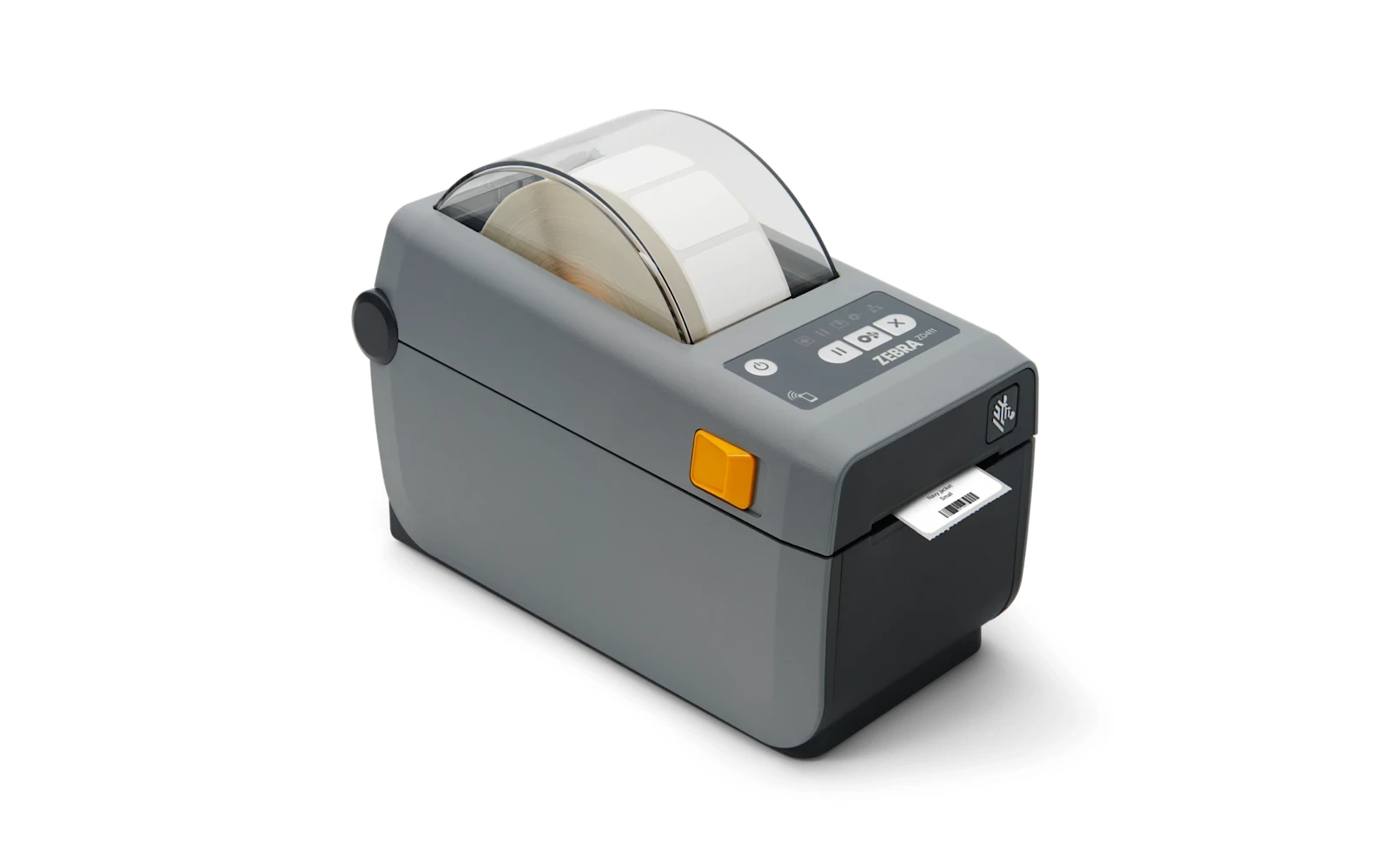 Label Printer
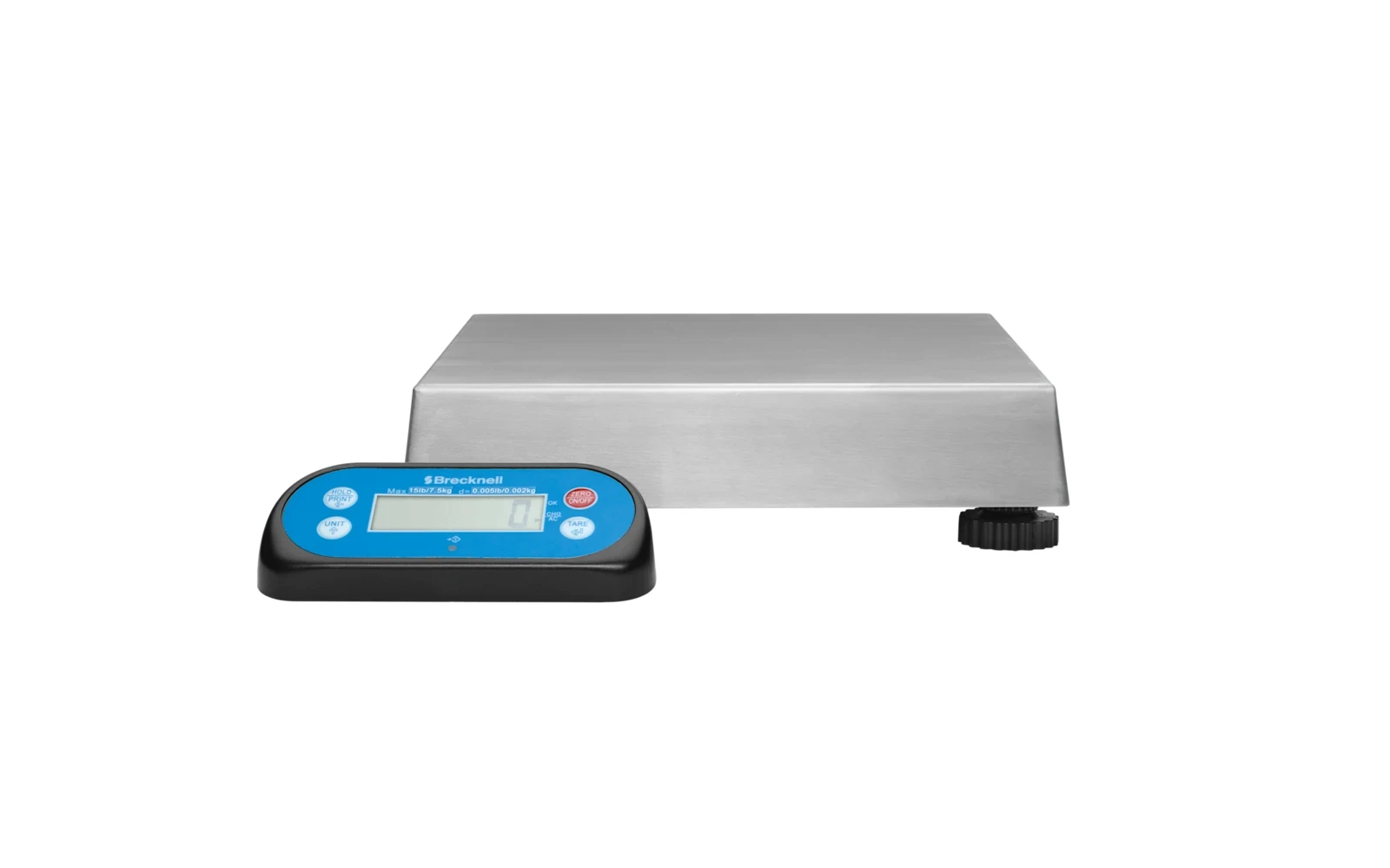 USB Scale
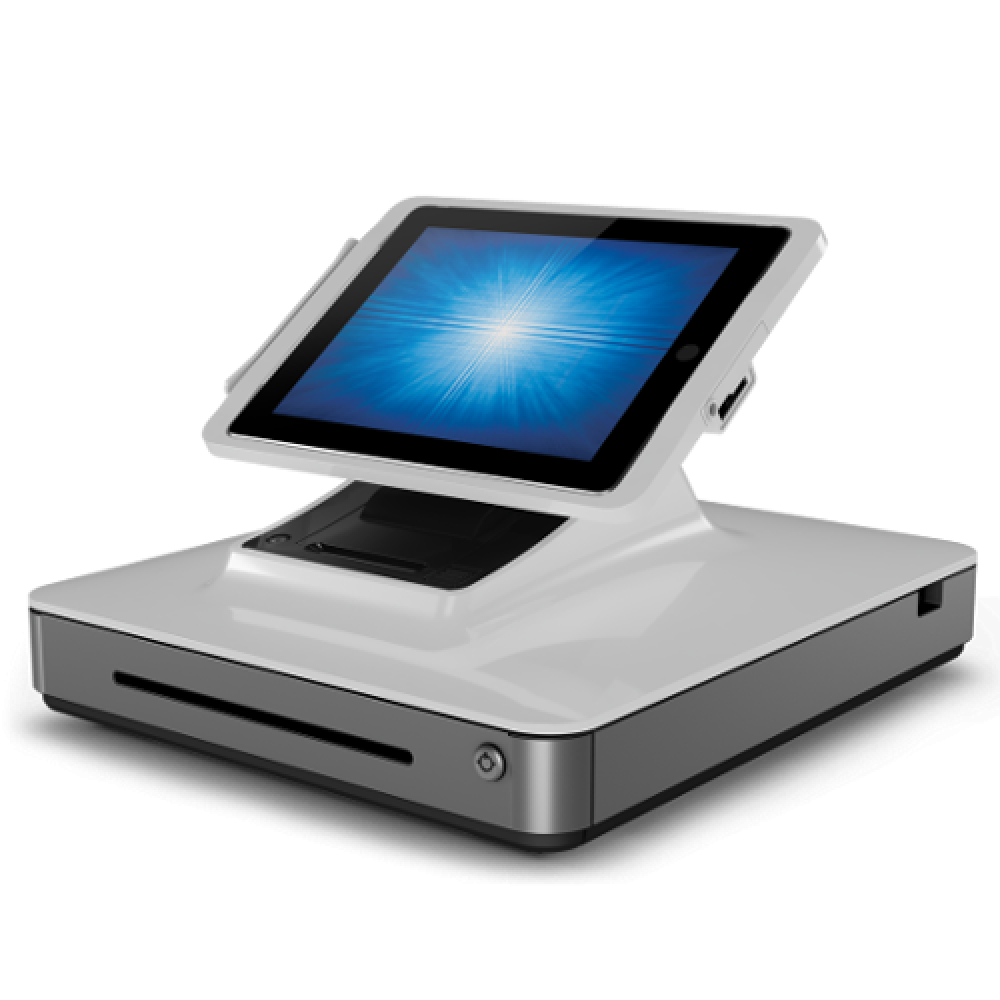 talech POS
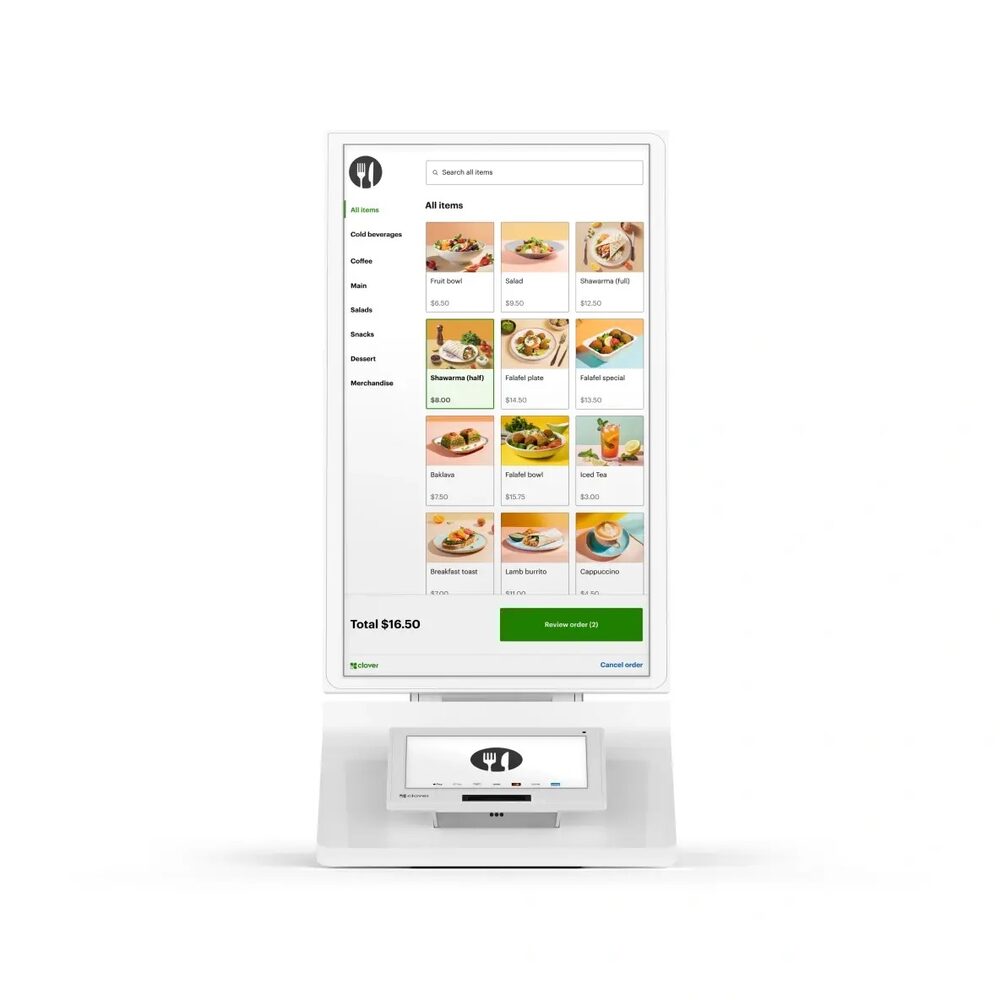 Clover Kiosk
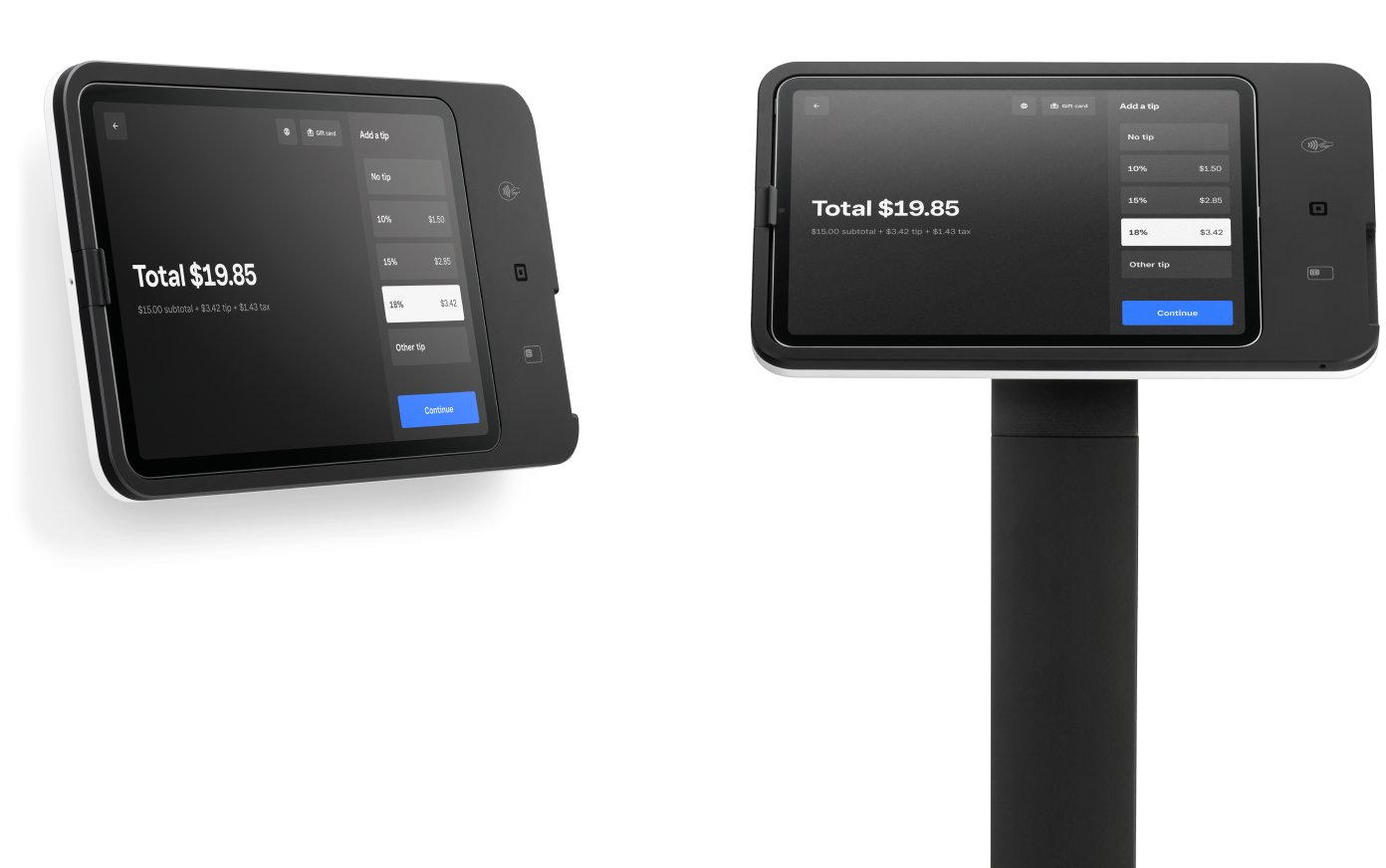 Square Kiosk